STEP 2
STEP 3
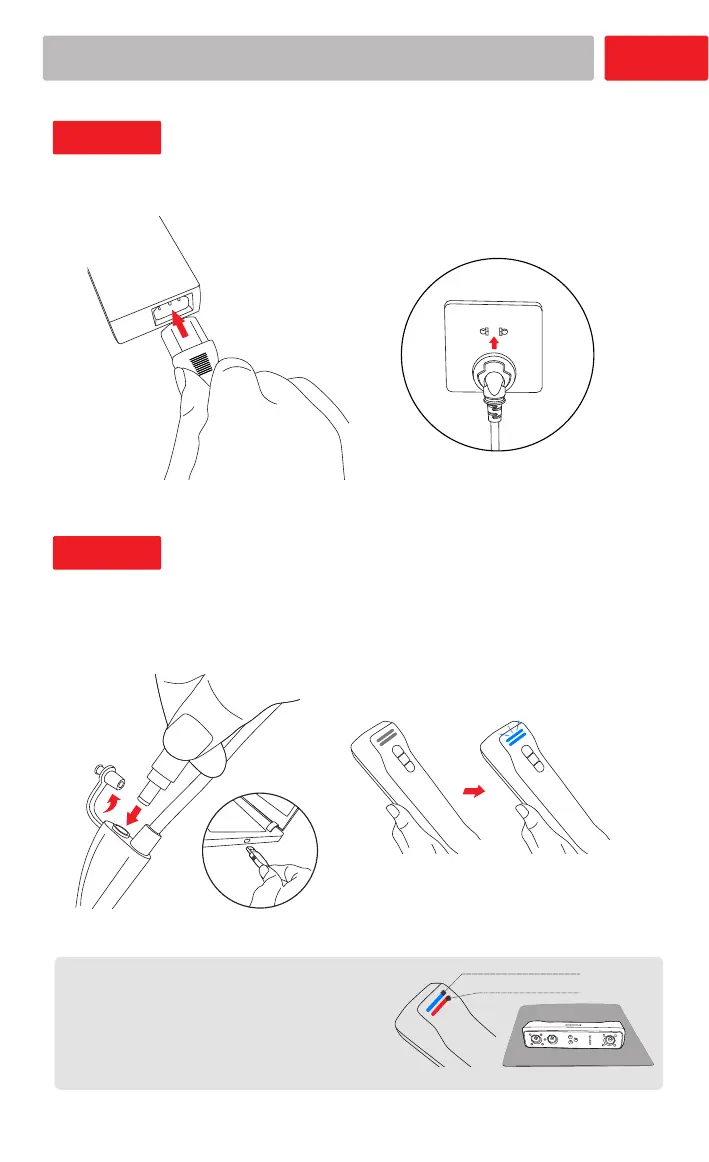
Connect adapter - Power on
Connect Your Scanner
03
Open protective cover - Connect cables
- Connect PC port
LED light shows blue
If the lower LED light is red, check whether
the connections are correct.
Place the scanner properly before scanning.
(Please refer to Safe Handing P13 )
Note:
Distance indicator
Status indicator














 To Next Page