Activate Einstar
06
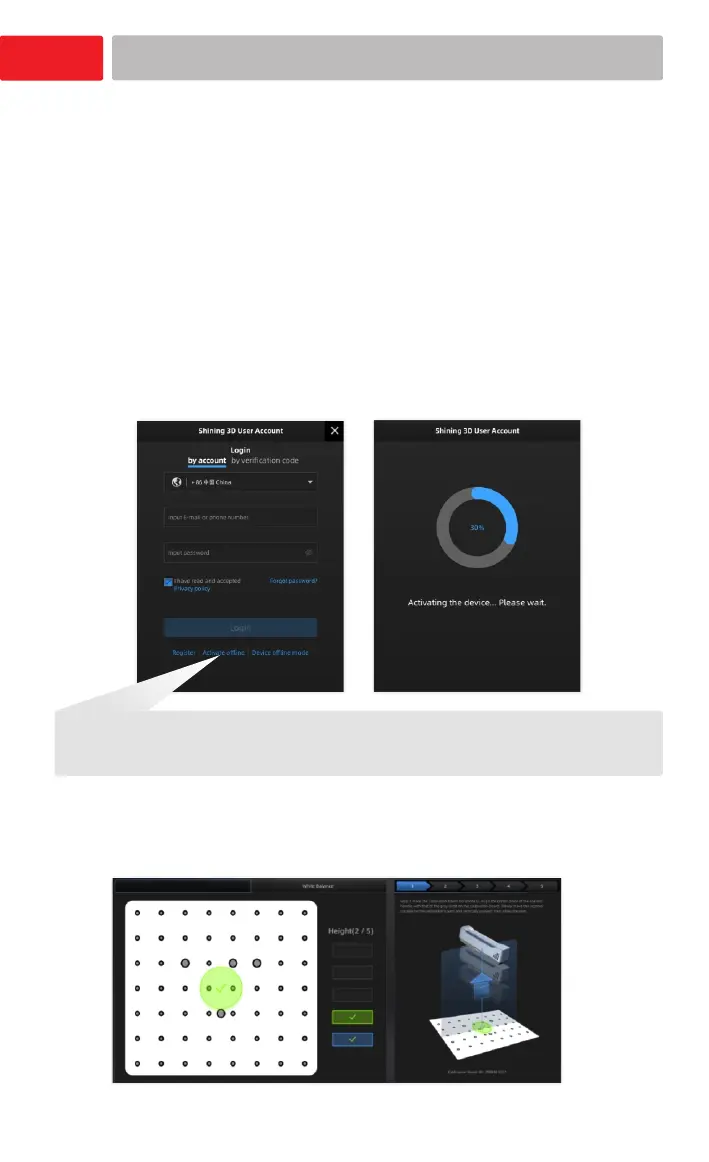
Activate the device
1.Go to to register a free passport.shining3d.com
user account and binding your Einstar to obtain the
latest software, or go to .support.einstar.com
2.Click and follow the installation wizard of EXStar.
3.Follow the on-screen instructions to create
a Shining 3D user account.
4.Login with your new account, and the device
will be activated automatically.
The software enters the calibration interface after
activation.
(Please refer to P7 How to hold the scanner and Calibration)
Note:
If the computer is not connected to the internet, you can click and activate the
scanner offline.
Calibrat ion
1.Please visit the download page to get the
installation package.
https://www.einscan.com/support/download/
Go to passport.shining3d.com to register a free user account and binding your Einstar














 To Next Page