7. PARAMETER SETTING VM-5S
-26-
7-1 WITHDRAWAL OF FACE PLATE
• Pull out the face plate to gain access to the keys and DIP switches for setting the
parameters located inside the unit.
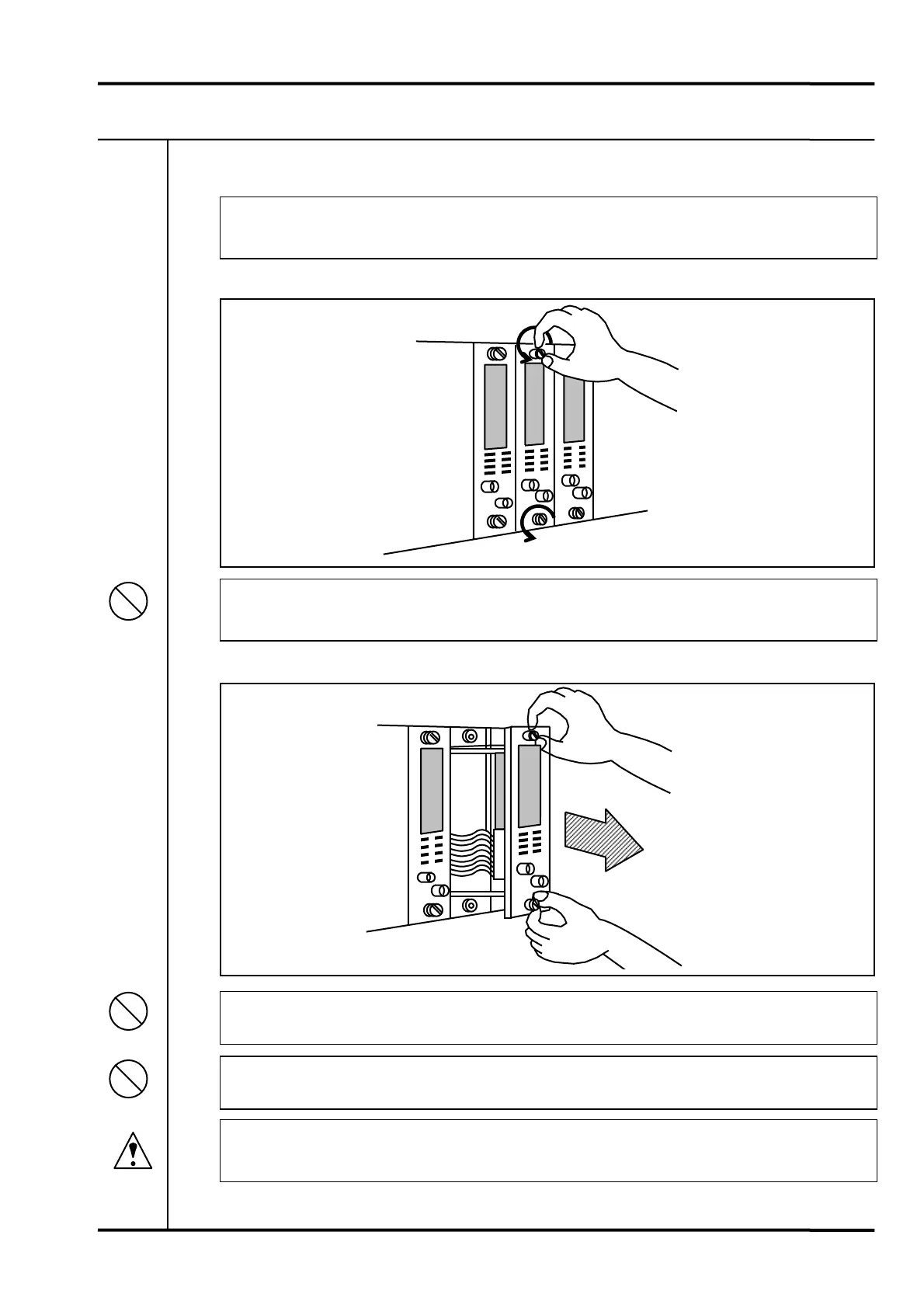
1) Evenly loosen the knurled screw at the top and bottom of face plate.
• Should screw manually.
Do not use any tools.
2) Pull out the face plate.
• Do not pull out beyond the depth of the slide frame.
• Make sure not to touch internal chassis.
• Failure to turn off the power before pulling the monitor unit out of the rack will result
in serious damage and accidents.
Prohibition
Prohibition
Prohibition
Caution



 To Next Page
 Loading...