4
Safety Information
Keep away from water, moisture and dusty areas.•
Working temperature 0-40°C. Never store in a hot or very cold place.•
Be careful not to drop or knock the photo frame.•
Never try to open the case yourself, always seek technical support.•
Connect the AC adaptor to both the DC IN jack and to the power outlet. •
(mains socket)
Only use attachments / accessories approved by the manufacturer.•
When left unused for a long period of time, the unit should be unplugged •
from the household AC outlet.
Warning:Toreducetheriskofreorelectricshock,donotexposetorain,
moisture, dripping or splashing.
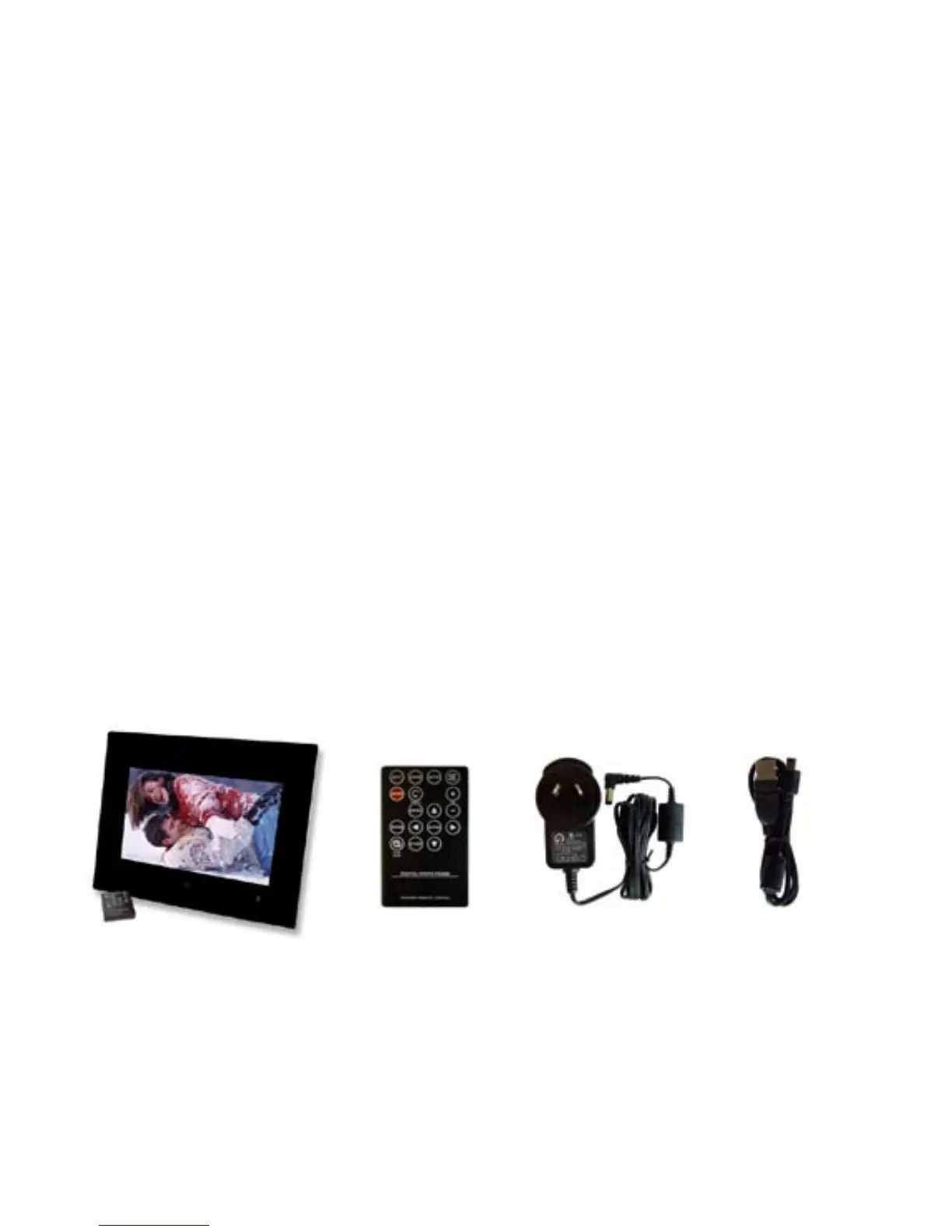
Package Contents
Digital Photo Frame Remote Control Adapter USB cable



 To Next Page