10
DELETE
Afterleselection,press• MENU
Press • ENTER to select “delete”
Select • √ then press ENTERtodeletetheselectedle
4.2 Photo Display
Choose the photo icon to view the photo preview mode•
Press •
to choose photos and press ENTER to play
Press • MENU to show the info bar
Press• /and ENTER to make a selection on the info bar
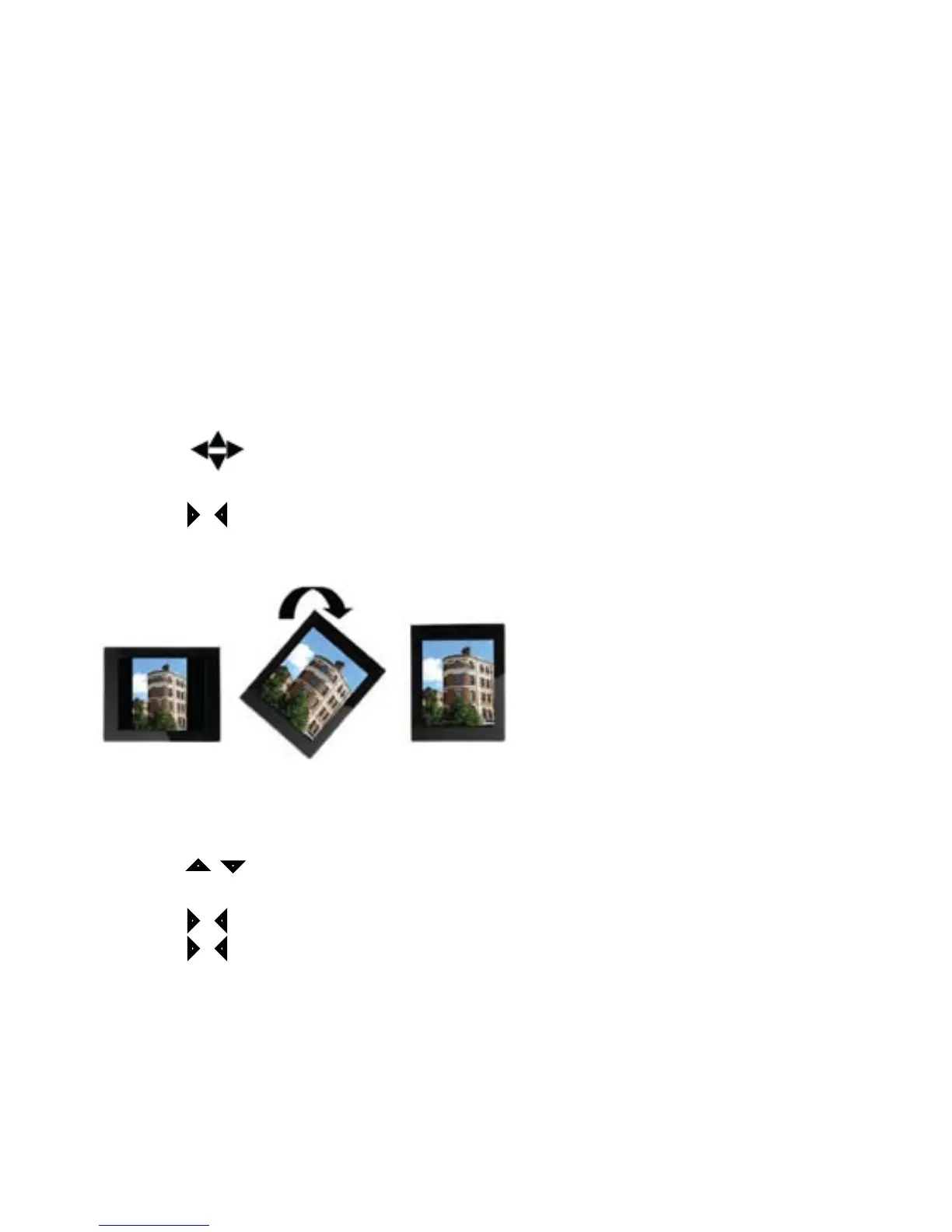
Auto Picture Rotate•
4.3 Movie Display
Choose the movie icon to view the movie preview mode•
Press • to choose a movie then press ENTER to play
Press • MENU to show the info bar
Press• /and ENTER to make a selection on the info bar
Press• /during movie playback to fast forward (X2, X3,X4)



 To Next Page