9
4. Memory select
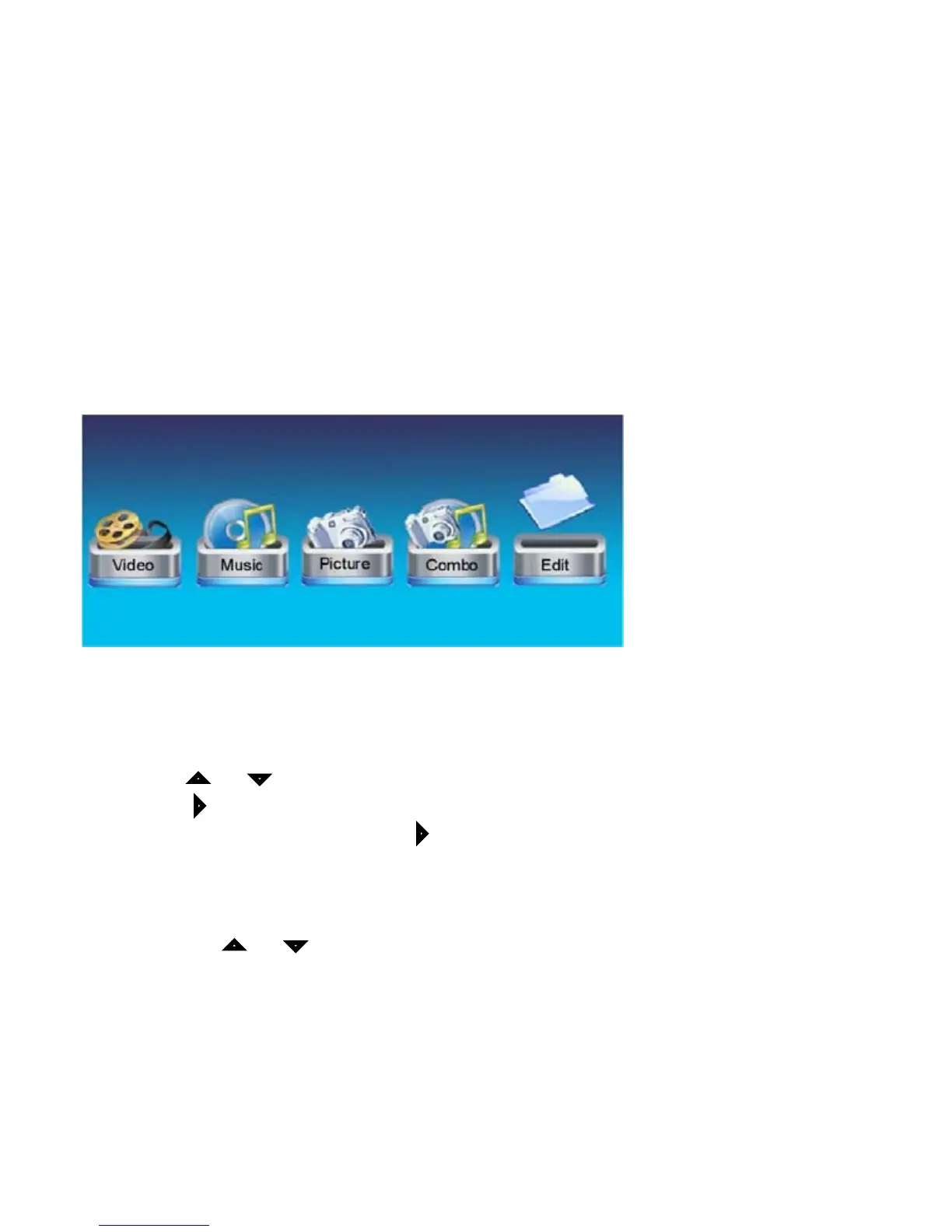
1.Edit:Selecttocopyordeleteles
2. Picture: Select to play a slideshow of photos
3. Video: Select to play a movie
4. Music: Select to play music
5. Combo: A slideshow of photos with background music
4.1 File Edit
Select EDIT icon
Allthelesandfolderswillbelistedonthescreen•
Press • or tochoosedifferentles
Press • toselectonele,a√willbemarkedbesidethele
Deselectthelebypressing• again
COPY
Afterleselection,press• MENU and select “copy” by pressing ENTER
Then use•
or to select the destination
Press • ENTER tocopytheselectedle



 To Next Page