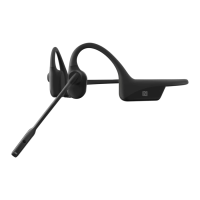
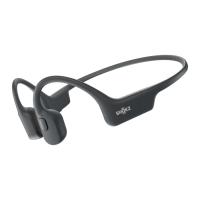
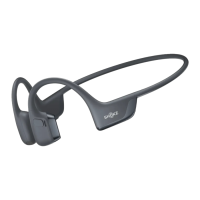
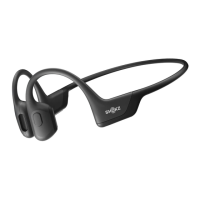
MUSIC AND CALLS
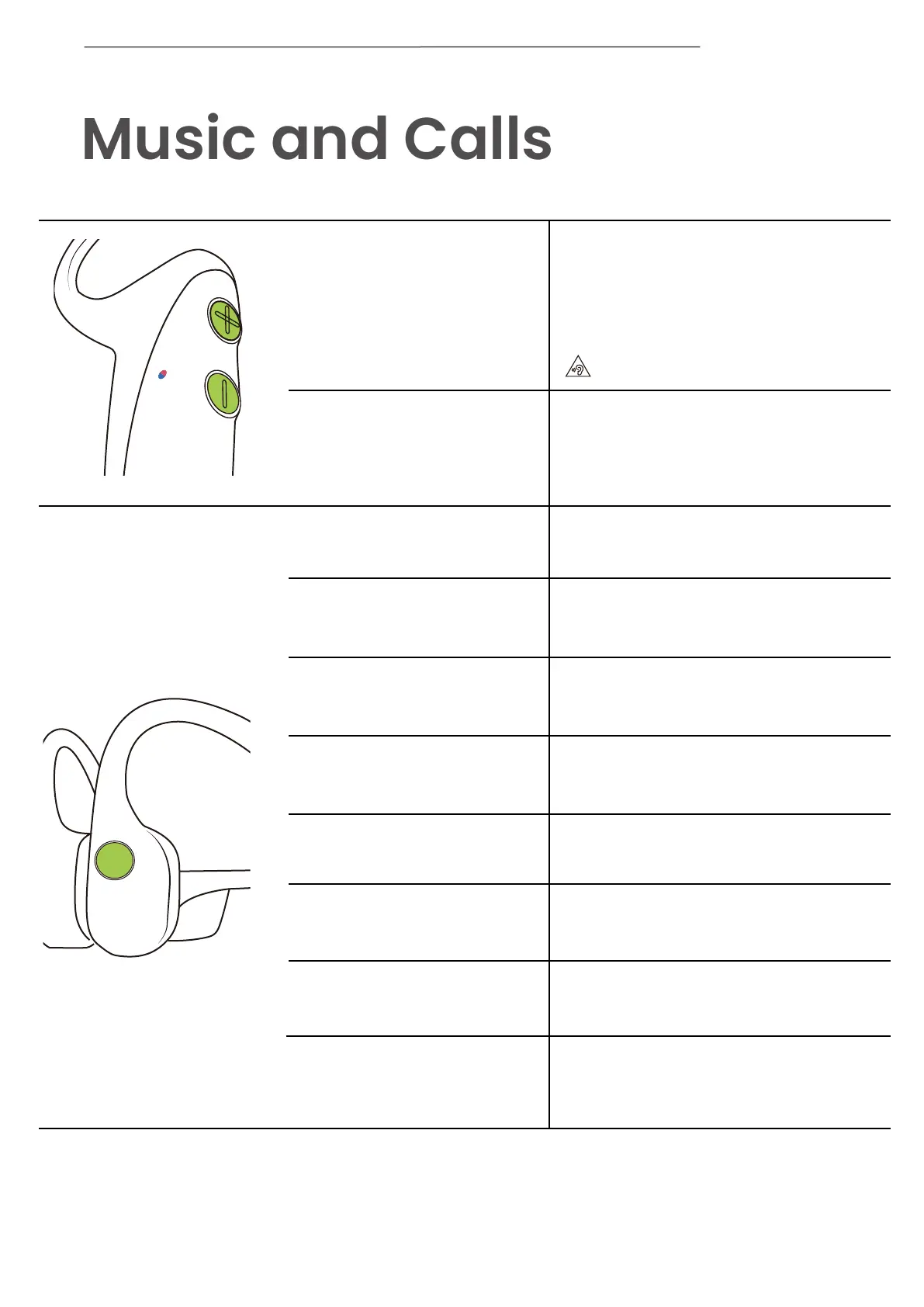
Adjust volume
While your audio is playing,
adjust the headset volume by
pressing either the “Volume+” or
“Volume-” buttons.
*A “beep” will sound when the volume is at its
max.
Switching EQ Modes
Play/pause music
Next song
Previous song
Switch language
Answer call
End call
Reject call
Answer an incoming call
and end the current call
Click once
Double-click while music is playing
Triple-click while music is playing
Double-click while pairing
Click once when a call comes in
Click once
Double-click the multifunction button
Click once
Press and hold both buttons
(Power/Volume+ button and
Volume- button) while music is play-
ing until you hear a voice prompt.
*Listening with your headset at a high volume may
affect your hearing and the audio will be distorted.
10


 To Next Page