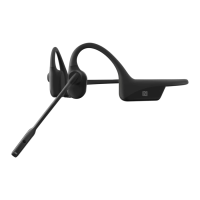
OpenComm2 by Shokz_II
Settings
BLUETOOTH
Operate controls with your headset powered off.
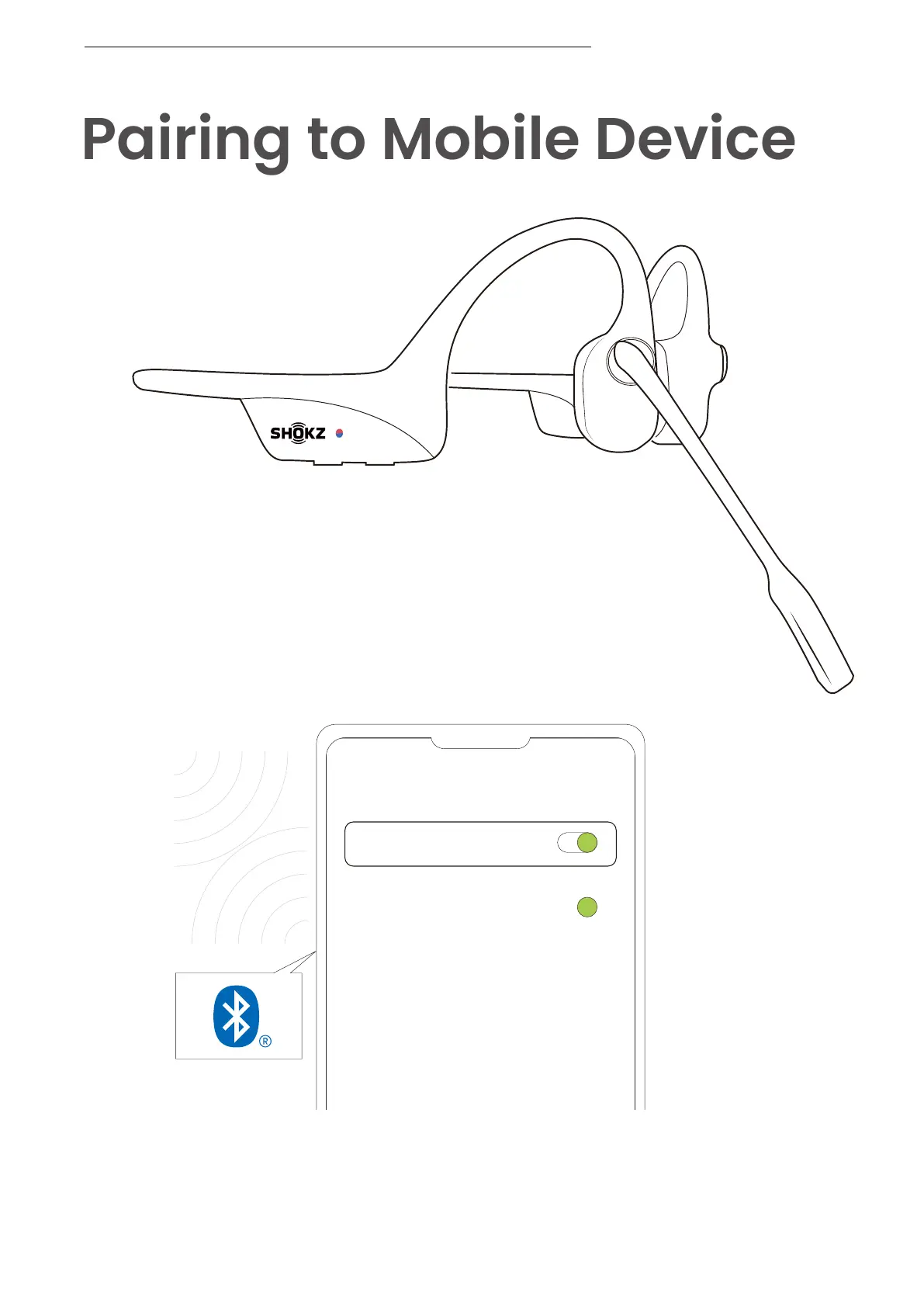
1. Start with your headset turned off.
2. Press and hold the Volume+ Button until the LED
indicator flashes red and blue alternately.
3. Select "OpenComm2 by Shokz_II" on your device's
Bluetooth settings. Audrey will say, "Connected".
PAIRING TO MOBILE DEVICE
06


 To Next Page