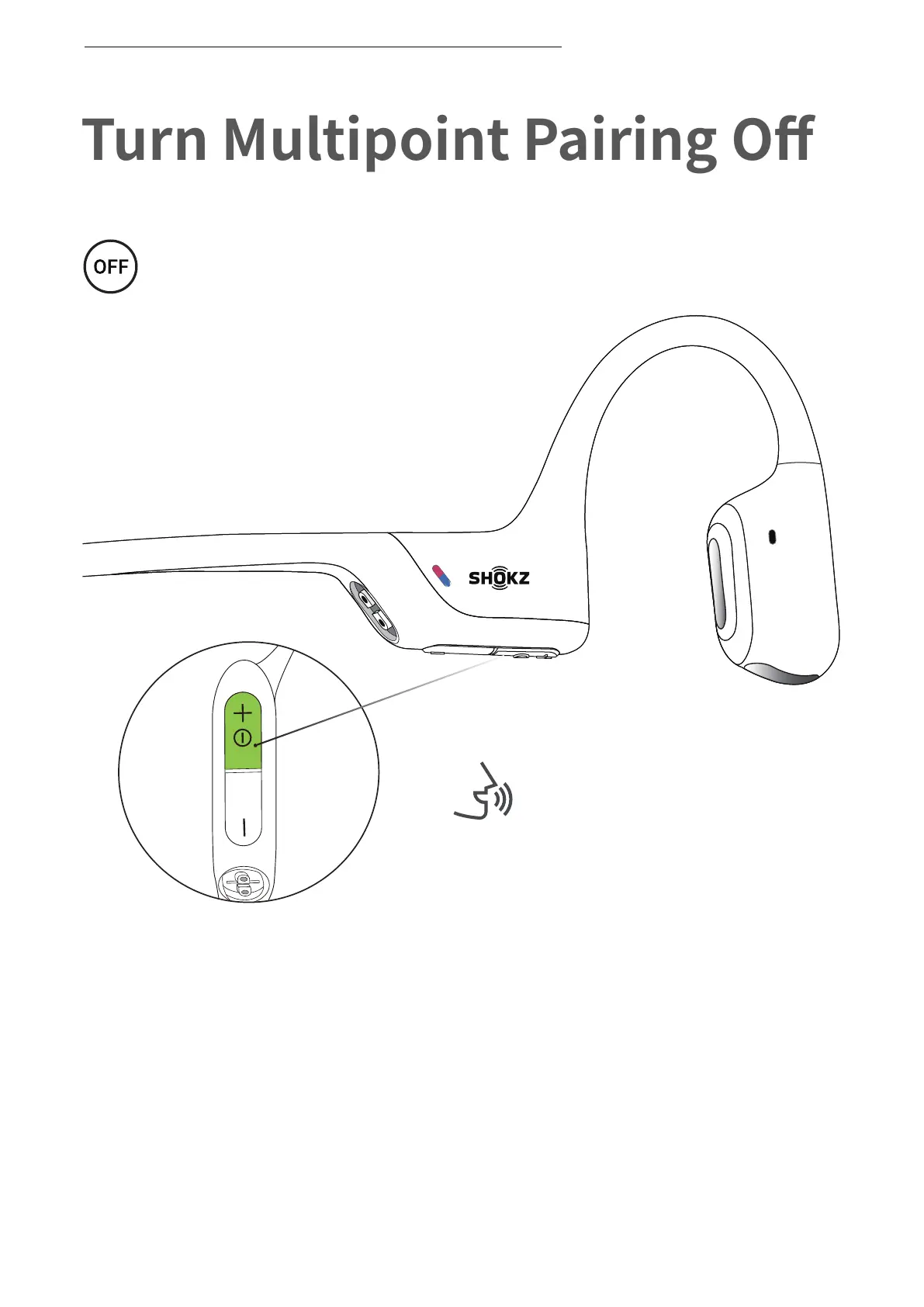
Turn Multipoint Pairing Off
Operate controls with
headphones powered off.
*You can also use the Shokz App for easy switching between devices
1. Start with your headphones powered off.
2. Press and hold Volume + until Audrey will say “pairing”
and the LED indicator flashes red and blue alternately.
Audrey will say “pairing.”
TURN MULTIPOINT PAIRING OFF
22


 To Next Page