Product: 50740 / 50741 / 50742 / 50743
8.6.4. Playback View – Direct Control Section
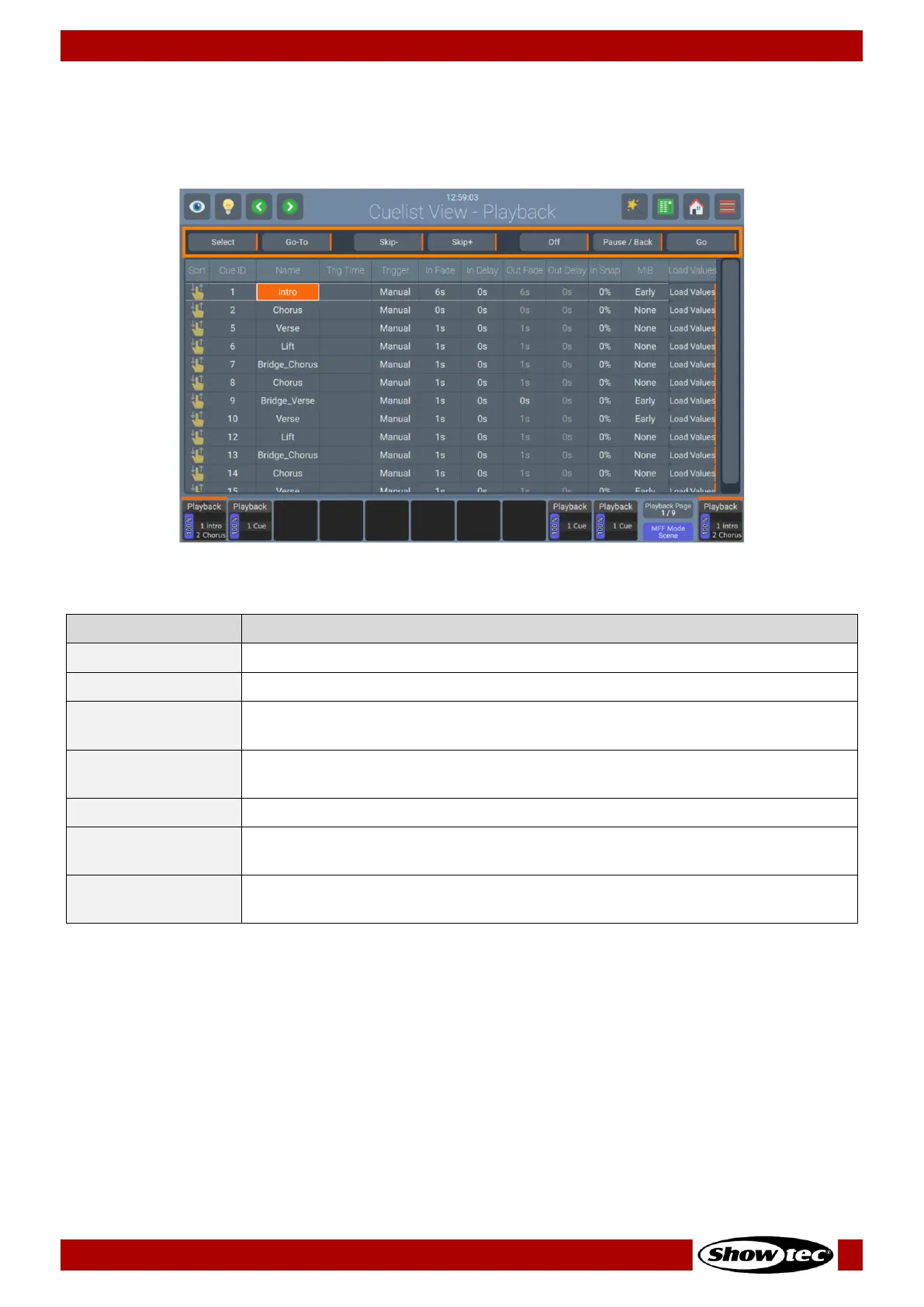
The Direct-Control-Section of the playback view contains several buttons to control the playback that is
opened within the Playback View.
Fig. 162: Playback Page View – Direct Control
Will select the Playback and make it available to the Master Fader.
Issues a Go command to start the selected Cue in the Playback view.
Skips to the previous cue in the Playback without switching it on. If the Playback
is running it will skip to the next cue, ignoring all fade times.
Skips to the next cue in the Playback without switching it on. If the Playback is
running it will skip to the previous cue, ignoring all fade times.
Will switch the Playback off.
The first press on the button will pause the Playback including all ongoing fades.
The second press will advance through the Playback in reversed order.
Issues a Go command to start the Playback, or, if it is already running,
advances through the different cues of the Playback.


 To Next Page
 Loading...









