Product: 50740 / 50741 / 50742 / 50743
The Button functions and names are as follows:
Opens a context sensitive dialog called “Action Menu”. Greyed out if not
available.
Switches to the Virtual Executor View.
If one of the Virtual Masters is active, the Icon will be shown in Orange
color.
If the Grandmaster or any of the Speed masters is set to 0%, the button will
turn red.
Opens the Home Window to select and program Fixtures, Groups, Presets
and set Fixture Values as well as Effects.
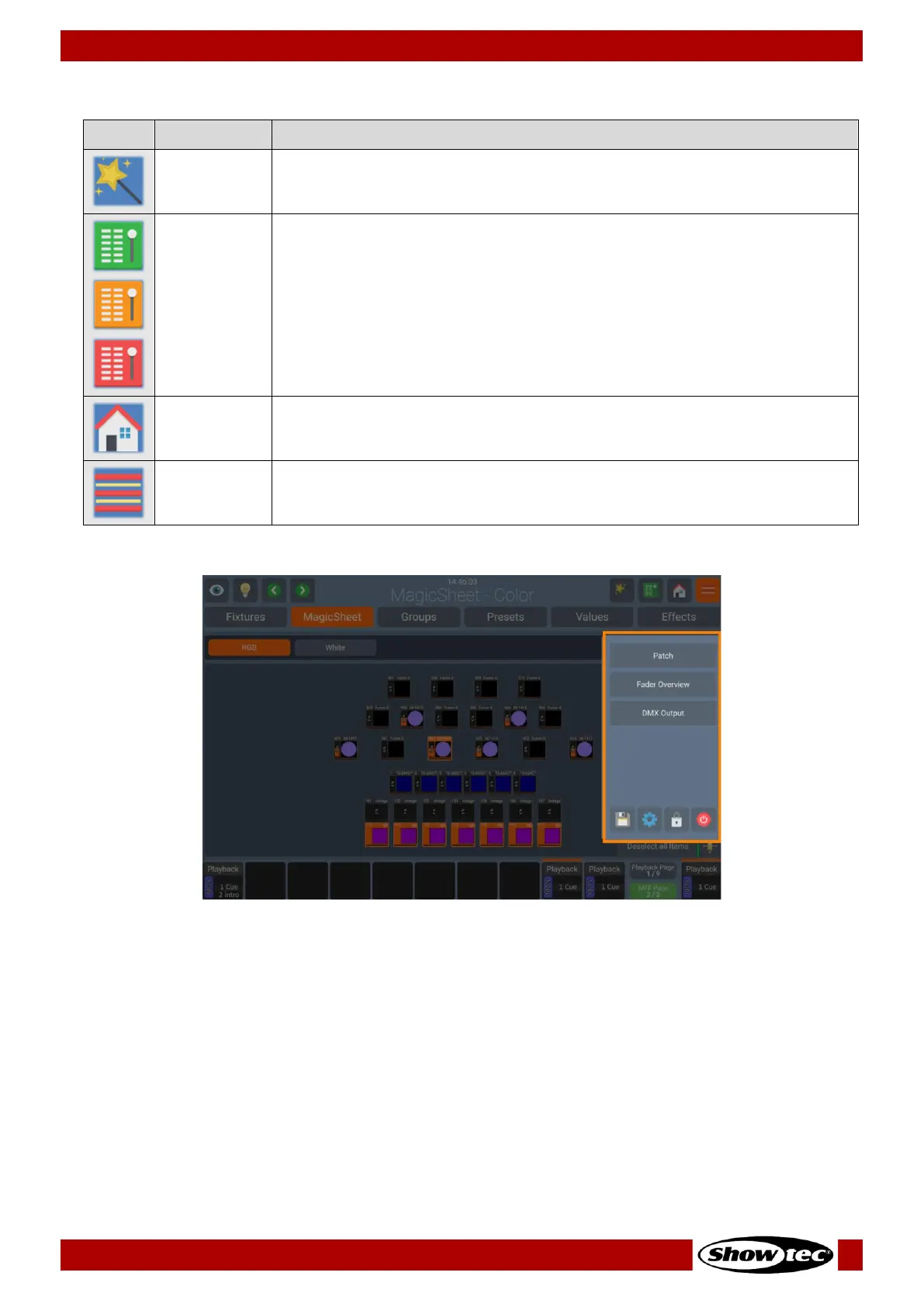
Opens the Side Menu which gives access to multiple other useful screens,
such as the Setup Screen, Patch or DMX Output View. (See Below)













 To Next Page