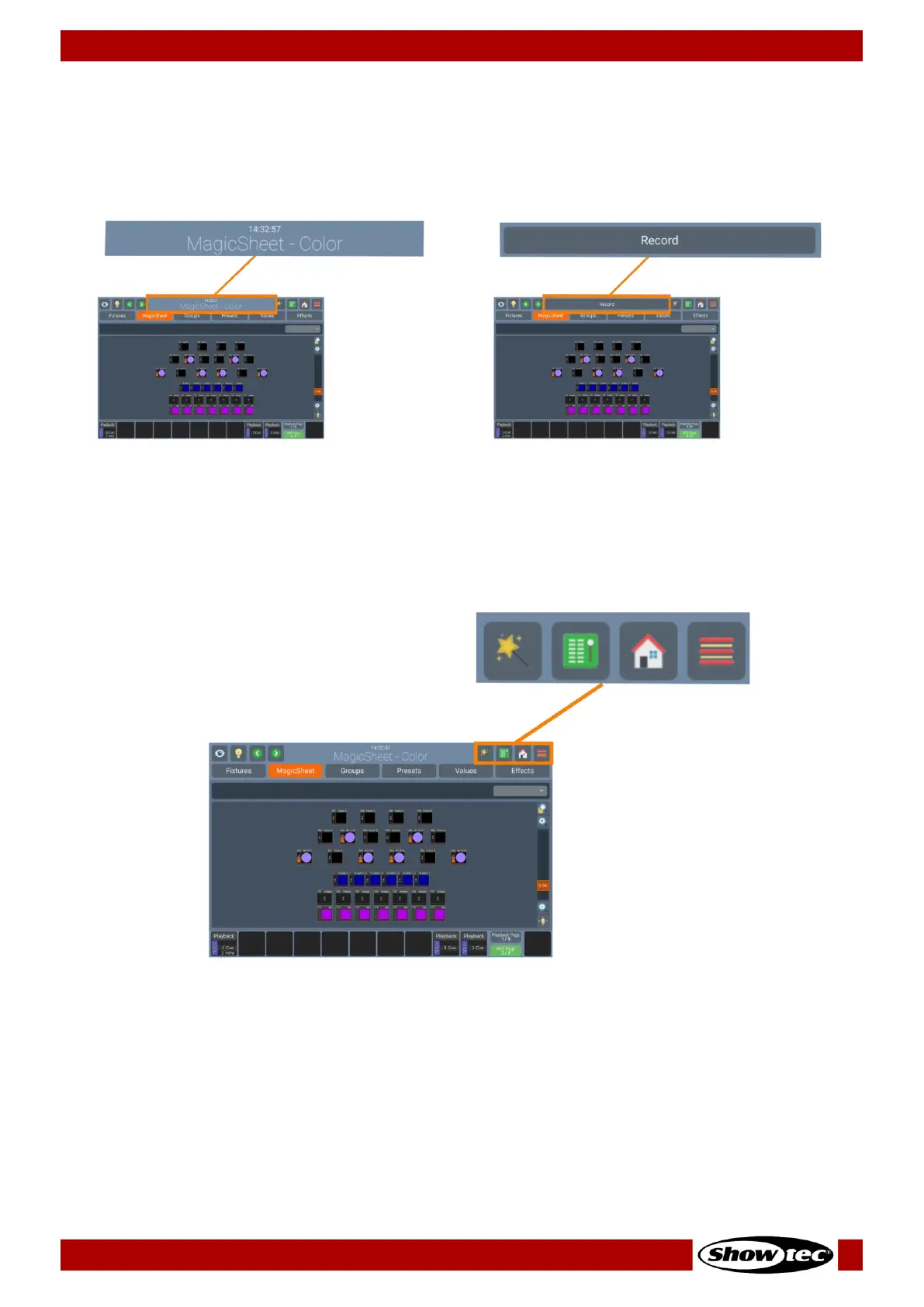
7.1.1.2. Window Title / Active Command
The center part shows the title of the current screen, or, if applicable the current command including
possible options. If the current command is displayed in red, it is invalid or missing information. Most
commands such as Record have additional Options that may be accessed by clicking on the Window
Title.
7.1.1.3. Main Navigation Buttons
The main navigation buttons are used to navigate through the different Main Windows of the LAMPY User
Interface.
Fig. 15: Navigation Buttons













 To Next Page