EasyManua.ls Logo

SHOWTEC Lampy 40 - Page 25

SHOWTEC Lampy 40
217 pages
Print Icon
To Next Page IconTo Next Page
To Previous Page IconTo Previous Page
Loading...
24
Product: 50740 / 50741 / 50742 / 50743
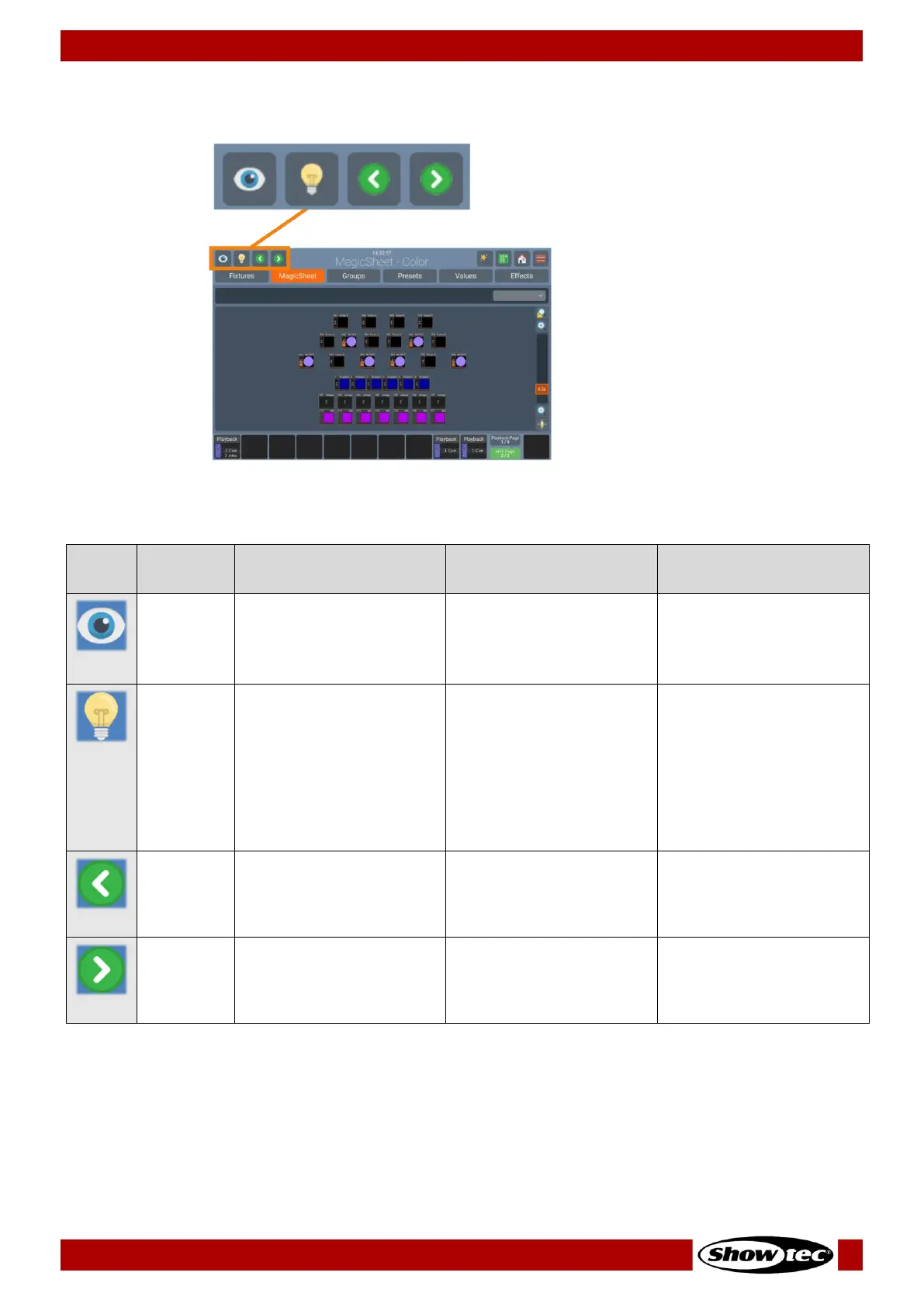
7.1.1.1. Programmer Buttons
Fig. 12: Programmer Buttons
The Programmer buttons provide the following functions:
Name
Action
Action holding [Shift]
key
Long Press
Blind
“Hides” the programmer
content.
Second press will show
the content again.
Highlight
Sets the selected fixtures
to the “Highlight” value
defined in the Library.
Usually open Dimmer and
100% brightness.
Second click will
deactivate the function.
Very useful for focusing.
Previous
Fixture
Cycles through full
selected fixtures,
including all instances, in
backwards direction.
Cycles through individual
instances.
Selects all fixtures.
Next
Fixture
Cycles through full
selected fixtures,
including all instances, in
forward direction.
Cycles through individual
instances.
Even / Odd fixtures will be
selected.

Related product manuals