8.3. Adding and Patching Fixtures
“Adding and Patching Fixtures” is the process of telling the console what kind of fixtures you are using
and assigning DMX-Addresses to them.
If you just started a new Show file or loaded a Show file without fixtures, the console will automatically
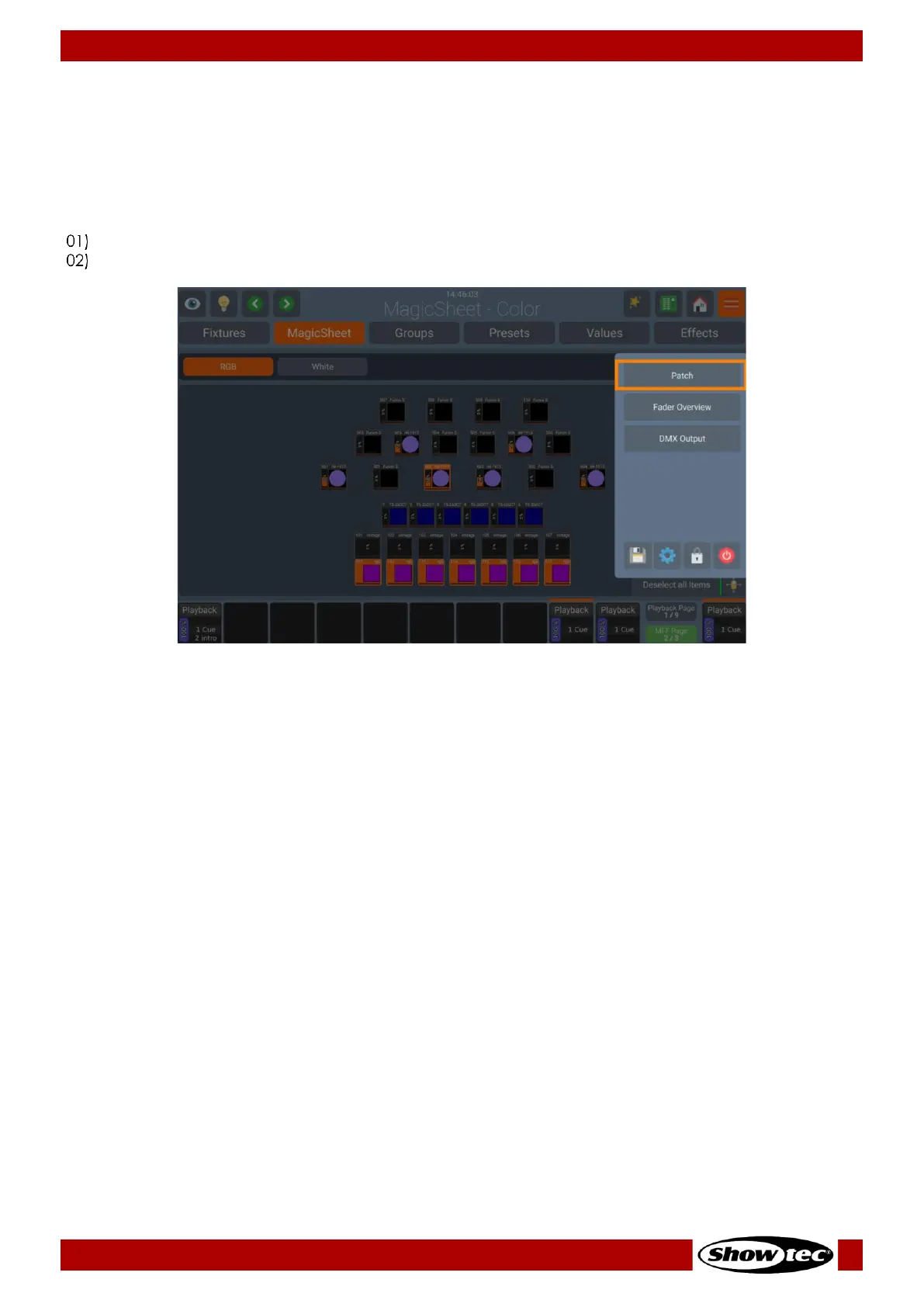
open the Patch Window. Otherwise, it may be accessed as follows:
Open the Side Menu by pressing the side Menu Button.
Click on the button that reads Patch.













 To Next Page