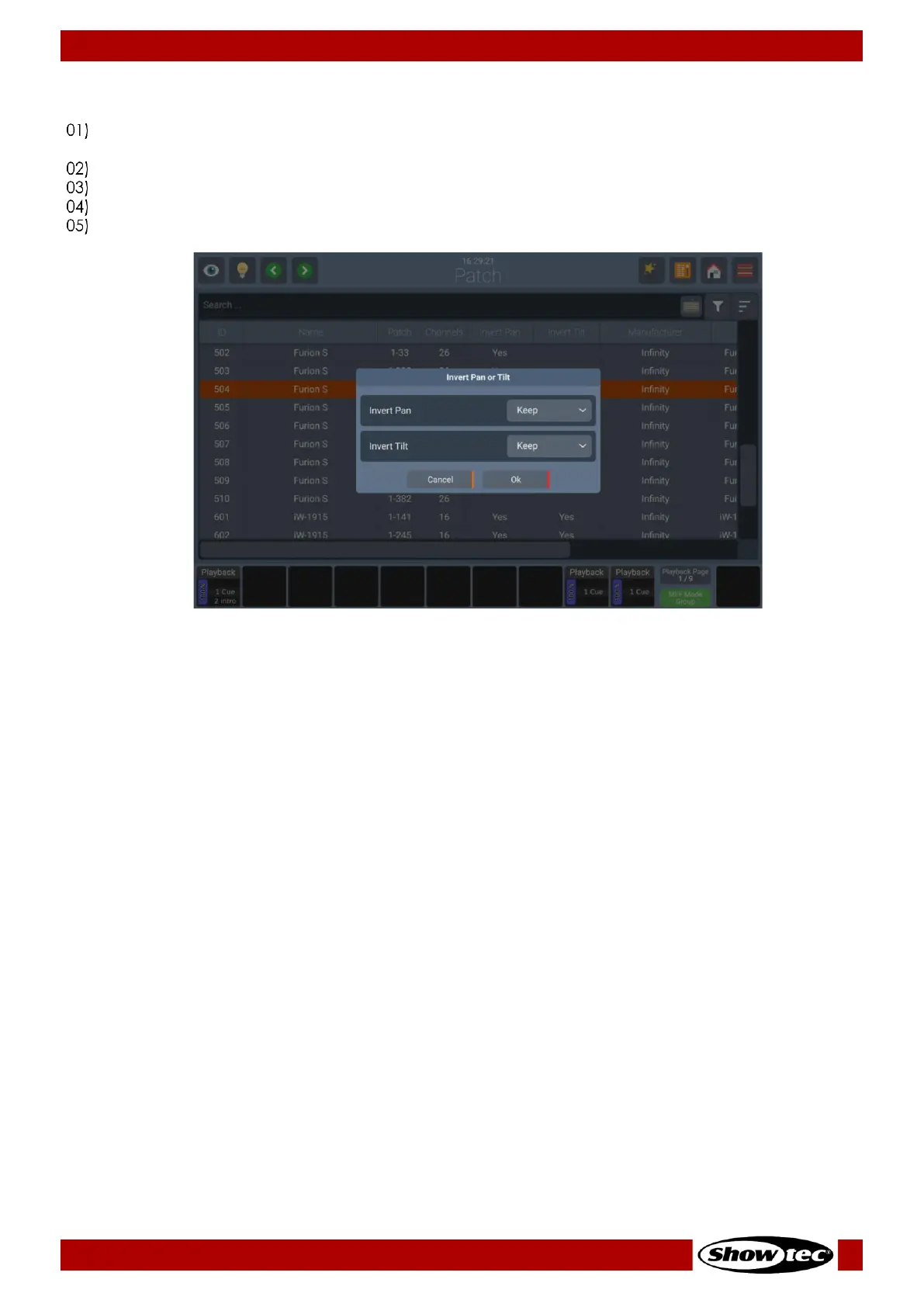
8.3.7. Invert Pan or Tilt for existing Fixtures
Select the fixtures you wish to change the Pan / Tilt Invert of in either the Patch Window or by any of
the other methods.
Open the Action Menu by pressing the Magic Wand button.
Click on Invert Pan / Tilt. The following window will be shown.
Set the new values for Pan and Tilt Invert by selecting them from the Drop-down menus.
Click on Ok to accept the changes.













 To Next Page