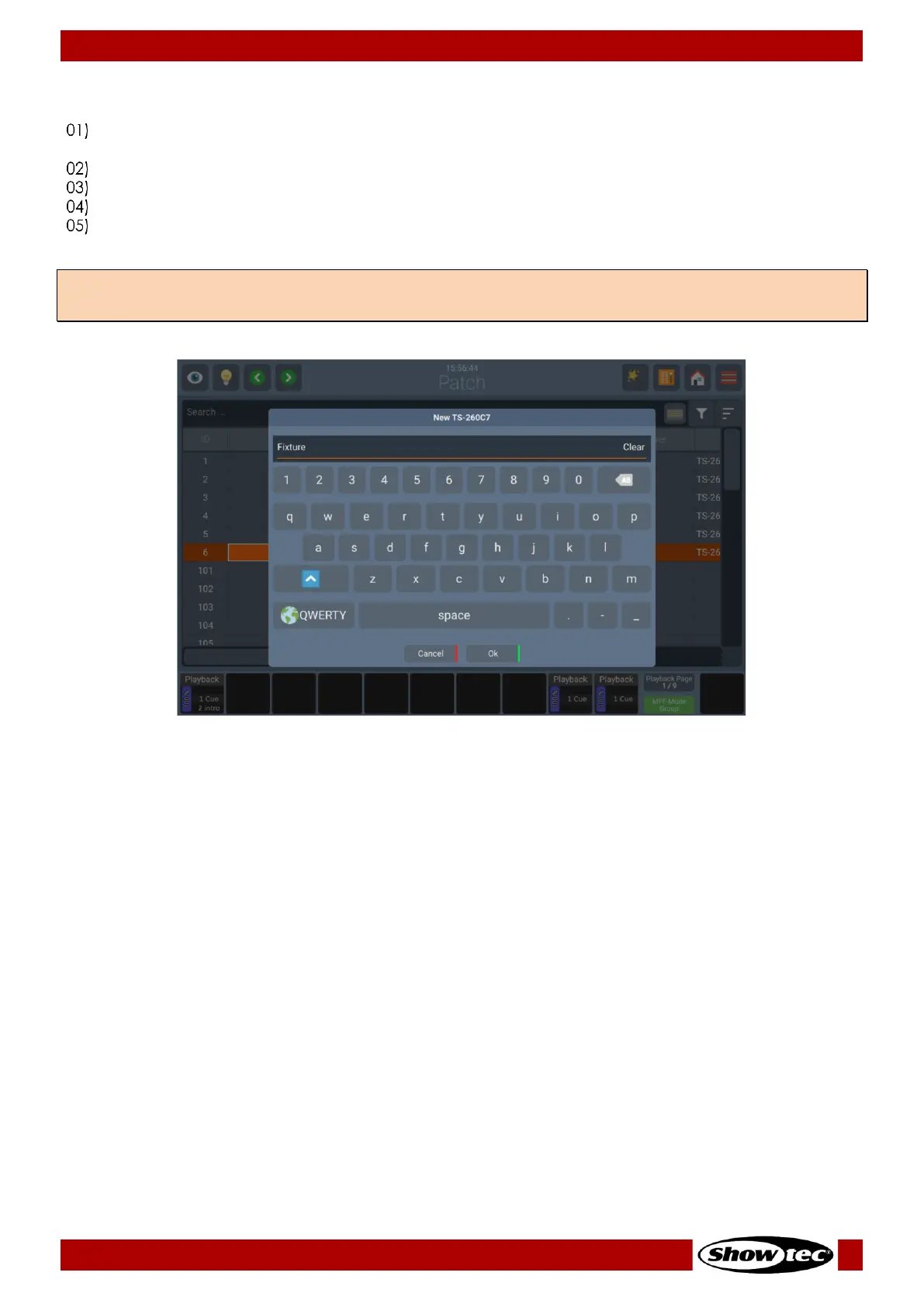
8.3.6. Changing the Name of existing Fixtures
Select the fixtures you wish to change the name of in either the Patch Window or by any of the other
methods.
Open the Action Menu by pressing the Magic Wand Button.
Click on Rename. An On-Screen Keyboard will be shown.
Type the new Name of the Fixture using the On-Screen-Keyboard or using an USB-Keyboard.
Click on Ok to rename the selected fixtures.
Note: When changing the name of a Fixture with multiple instances will automatically rename all its
instances.













 To Next Page