Product: 50740 / 50741 / 50742 / 50743
8.4.2.1. UI Settings
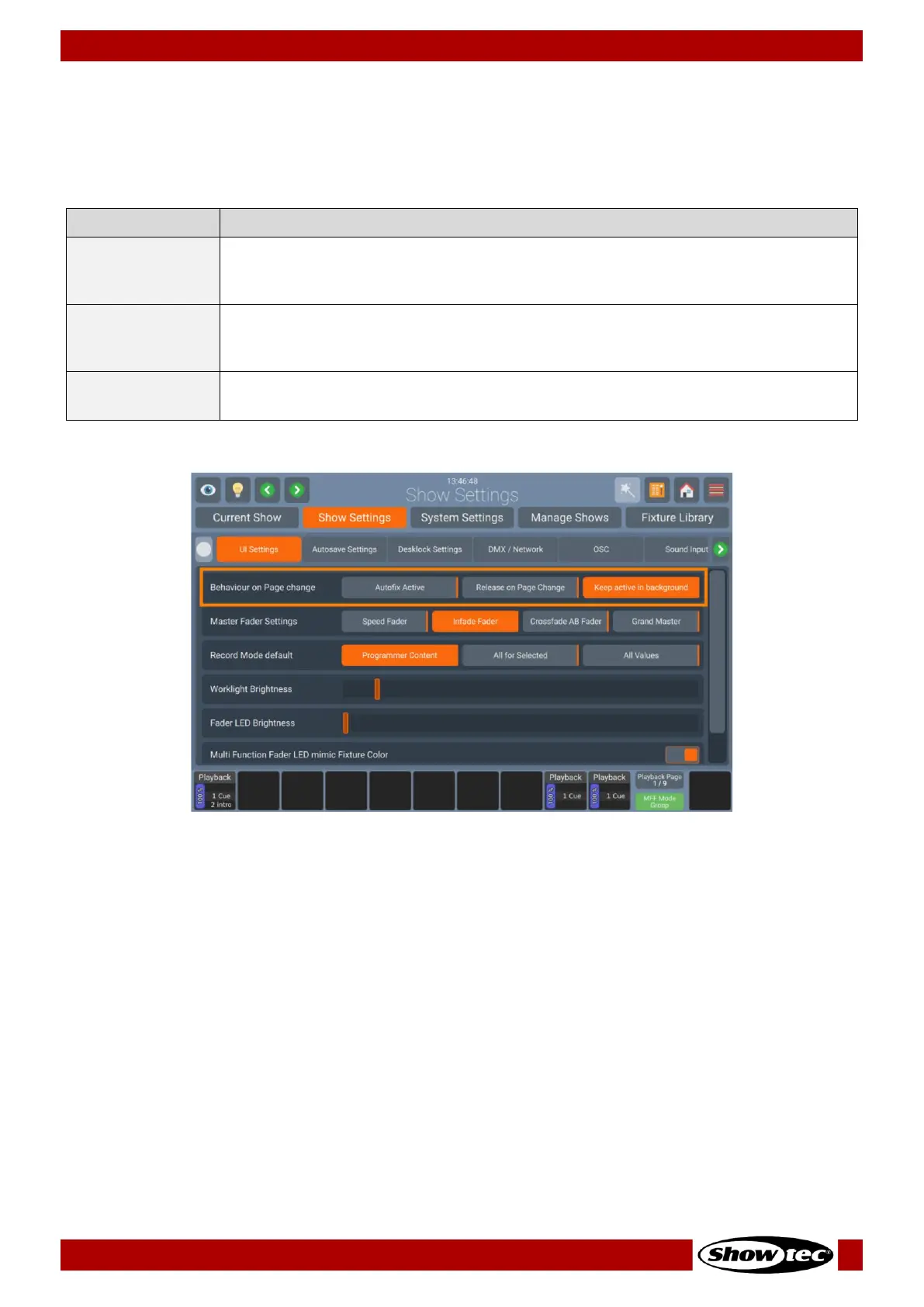
Behavior on page change
The behavior on Page change settings allows to specify what should happen if you change the active
Playback Page. The following table outlines the different Settings and what they do:
Autofix is a convenience function that is used to carry over running playbacks to
the new Playback Page. The “old” playback will be overlaying other playbacks on
the new page until it is switched off.
With this entry selected, the console will automatically release all playbacks on the
old fader page when the active page is changed. Playbacks assigned to the
template page will not be released.
Keep Active in
Background
When this option is selected the playbacks will be kept running “in the
background”.
Fig. 51: Show Settings – Playback Page Change Settings













 To Next Page