Product: 50740 / 50741 / 50742 / 50743
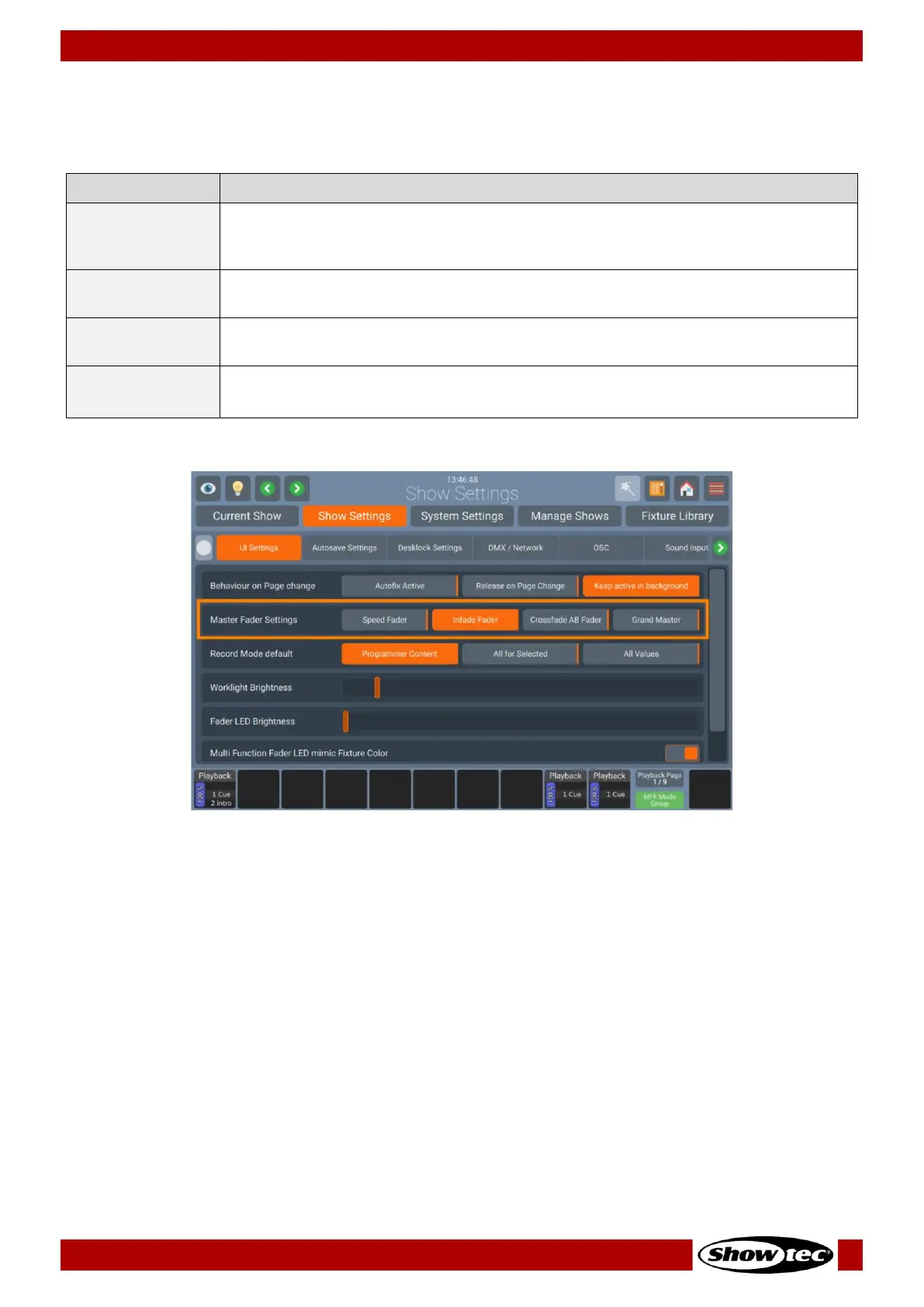
Master Fader Settings
The Master Fader Settings specifies the behavior of the Master Playback Fader. The following table
outlines the different Settings and what they do:
The Master Fader will act as a Speed Fader for the selected Playback, altering all
timings of the assigned Playback, whereas 100% is the speed as programmed –
and everything below is slowed down relatively.
The Master Fader will continually crossfade the output of all parameters that are
set to “Fade” within the library.
With this option the Master Fader can be used to crossfade from Cue to Cue in a
Playback, a very common setting when controlling a theatric play.
The Master fader will act as a master dimmer fader for all fixtures patched on the
console.
Fig. 52: Show Settings – Master Fader Settings


 To Next Page
 Loading...









