EasyManua.ls Logo

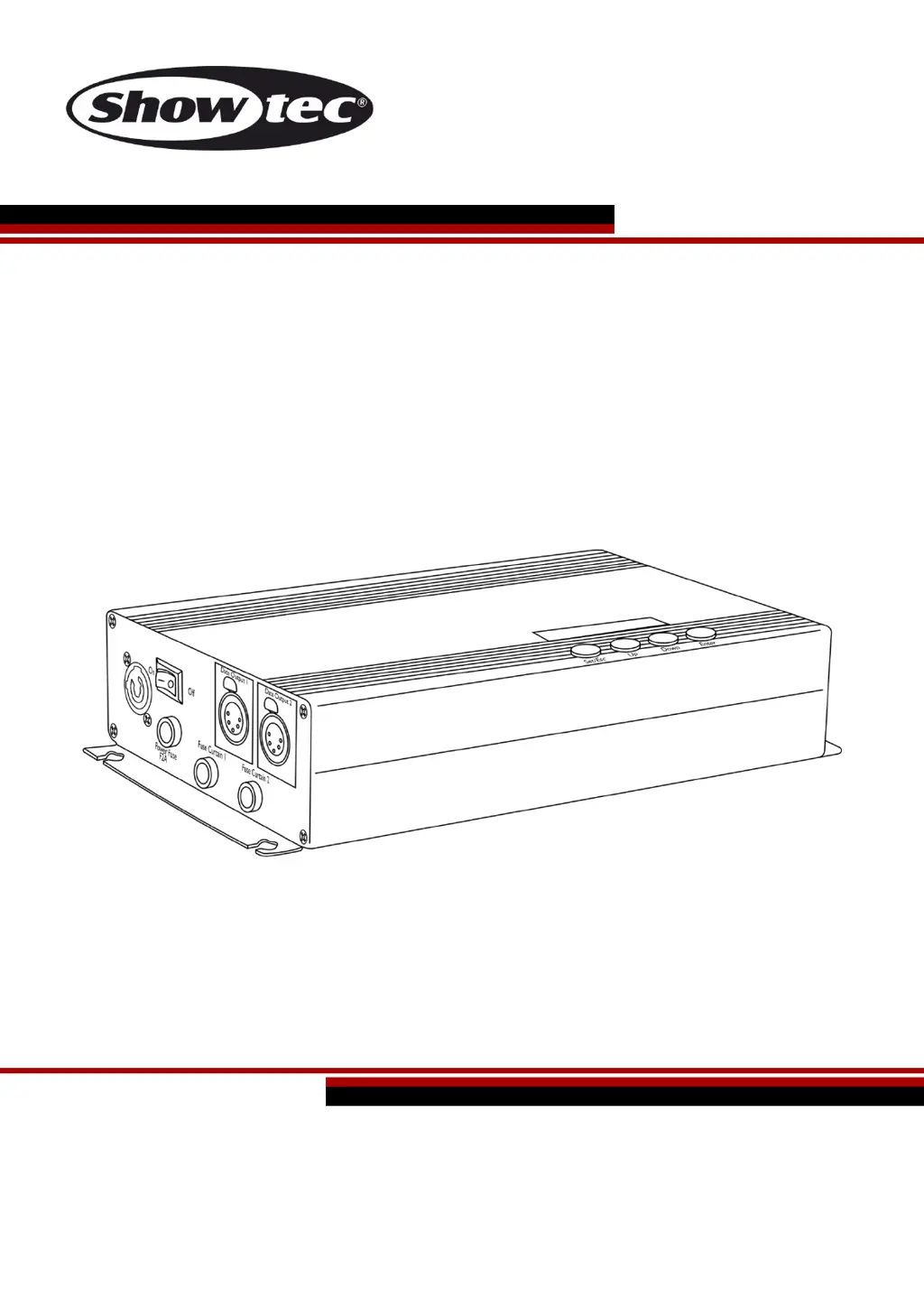
SHOWTEC Star Sky Pro II - User Manual

SHOWTEC Star Sky Pro II
32 pages
Print Icon
To Next Page IconTo Next Page
Loading...
Star Sky Pro II V1
Highlite International B.V. Vestastraat 2 6468 EX Kerkrade the Netherlands
Ordercode: 40372
MANUAL
ENGLISH

Questions and Answers

  • H
    Hannah DavidsonAug 1, 2025
    What to do if SHOWTEC Lighting Equipment fixtures reset correctly, but some respond erratically?
    • C
      cassidy57Aug 1, 2025
      If your SHOWTEC Lighting Equipment fixtures reset correctly but respond erratically, there might be a data quality issue. Inspect connections and cables, correcting poor connections and replacing damaged cables. Ensure the data link is terminated with a 120 Ohm termination plug in the output jack of the last fixture. Also, check the address settings of the fixtures. If problems persist, bypass one fixture at a time to identify a defective fixture disturbing the link and have it serviced. Finally, if using 3-pin/5-pin XLR, install a phase-reversing cable or swap pin 2 and 3 in the fixture that behaves erratically.
  • Q
    qandersonAug 6, 2025
    What to do if SHOWTEC Star Sky Pro II Lighting Equipment fixtures reset correctly, but all respond erratically?
    • T
      Teresa PerryAug 6, 2025
      If your SHOWTEC Lighting Equipment fixtures reset correctly but all respond erratically, first, ensure the controller is properly connected. If the controller is connected, and you're using 3-pin/5-pin XLR, install a phase-reversing cable between the controller and the first fixture on the link to correct any signal reversal issues.
  • V
    vfrostAug 11, 2025
    What to do if my SHOWTEC Lighting Equipment has no light?
    • K
      Kathleen GuzmanAug 11, 2025
      If your SHOWTEC Lighting Equipment has no light, first, check if it is plugged into an appropriate power supply. If the power supply is fine, and the issue persists, the LEDs may be the problem, and you should return the Star Sky to your Showtec dealer. Lastly, check the fuse and replace it if necessary.
  • M
    Michaela GallowayAug 16, 2025
    What to do if my SHOWTEC Lighting Equipment has no response to DMX?
    • S
      Summer ColemanAug 16, 2025
      If your SHOWTEC Lighting Equipment is not responding to DMX, check the DMX settings to ensure the DMX addresses are correct. Then, inspect the DMX cable by unplugging the unit, changing the cable, and reconnecting to electrical power. To determine where the fault lies, test the controller with other DMX products. If the controller doesn't work with other products, it needs repair. If it does, take the DMX cable and the light effect to a qualified technician.
  • R
    Ronald MartinezAug 21, 2025
    Why does my SHOWTEC Lighting Equipment have no light or lamp cuts out intermittently?
    • T
      Tiffany ClaytonAug 21, 2025
      If your SHOWTEC Lighting Equipment has no light or the lamp cuts out intermittently, the fixture may be overheating, so allow it to cool down or turn up the air conditioning. Damaged LEDs could also be the cause; in this case, disconnect the fixture and return it to your dealer. Finally, the power supply settings may not match local AC voltage and frequency, so disconnect the fixture, check the settings, and correct them if necessary.
  • S
    Steven MccarthyAug 27, 2025
    What to do if one or more SHOWTEC Star Sky Pro II Lighting Equipment fixtures do not function at all?
    • J
      Jane HaleAug 27, 2025
      If one or more of your SHOWTEC Lighting Equipment fixtures aren't functioning, check if the power is switched on and the cables are securely plugged in. If the issue persists, the primary fuse may have blown, so replace the fuse.

Summary

Safety Warnings and Precautions

Unpacking Product Safely

Guidelines for safely unpacking the product and checking its contents.

LED Lifespan Considerations

Information on factors affecting LED lifespan and how to optimize it.

Operational Safety Guidelines

Essential safety guidelines for all personnel involved with the device.

Operating Determinations

Rigging and Installation Safety

Rigging Procedure and Safety

Steps and safety advice for mounting the fixture and controller.

Mains Power Connection

Product Returns and Claims Handling

Product Return Procedure

Steps for obtaining an RMA number and returning merchandise.

Claims Filing Process

How to report and handle claims for damages or shortcomings.

Device Description and Features

Product Features Overview

Key features and technical specifications of the Star Sky Pro II.

Available Optional Accessories

List and descriptions of available accessories for the Star Sky Pro II.

Device Overview and Front Panel

Controller Front Panel Layout

Identification and description of ports and buttons on the front of the controller.

Controller Back Panel Layout

Installation and Setup Procedures

Initial Device Installation

Steps for removing packaging and connecting cables before powering on.

Setting Up and Operation

Instructions for setting up and operating the device based on chosen modes.

Control Modes Explained

Single Device Operating Modes

Details on Built-in, Manual, Macro, and Sound-controlled modes for one unit.

Multi-Device Control Options

Instructions for Master/Slave and DMX control of multiple Star Sky units.

DMX Control Setup Guide

Fixture Linking and Data Cabling

Fixture Linking Requirements

Guidelines for serial data linking and limitations for DMX connections.

Recommended DMX Data Cables

List of DAP Audio certified DMX data cables and their specifications.

Control Panel and Basic Operations

Control Panel Overview

Explanation of the LCD display and control buttons on the device.

DMX Addressing and Controlling

How to set DMX addresses and control the fixtures.

Menu Navigation Overview

1. Main Settings Menu

Configuration for language, reset, master/stand-alone, auto/sound modes.

2. DMX Settings Menu

Configuration for DMX address, channel mode, and failure mode.

3. Dimmer Menu Options

Adjustments for dimmer intensity, strobe, color levels, and dimmer mode.

4. Program Menu Settings

Settings for built-in programs including dimmer, strobe, and speed.

5. Macro Menu Setup

Options for setting up macro steps and assigning programs to steps.

DMX Channel Assignments

Device Maintenance and Troubleshooting

Routine Device Maintenance

Recommendations for keeping the controller clean and functional.

Troubleshooting Common Issues

Solutions for problems like no light or no DMX response.

Product Specifications Summary

Detailed Technical Specifications

Detailed electrical, electro-mechanical, and operational specifications.

Installation Minimum Distances

Recommended safety distances for installation and operation.

SHOWTEC Star Sky Pro II Specifications

General IconGeneral
DMX Connector3-pin XLR
IP RatingIP20
ConnectorIEC
LED Current20mA
ControlDMX
Power Supply100-240VAC 50/60Hz
TypeEffect

Related product manuals