8.4.2.5. OSC
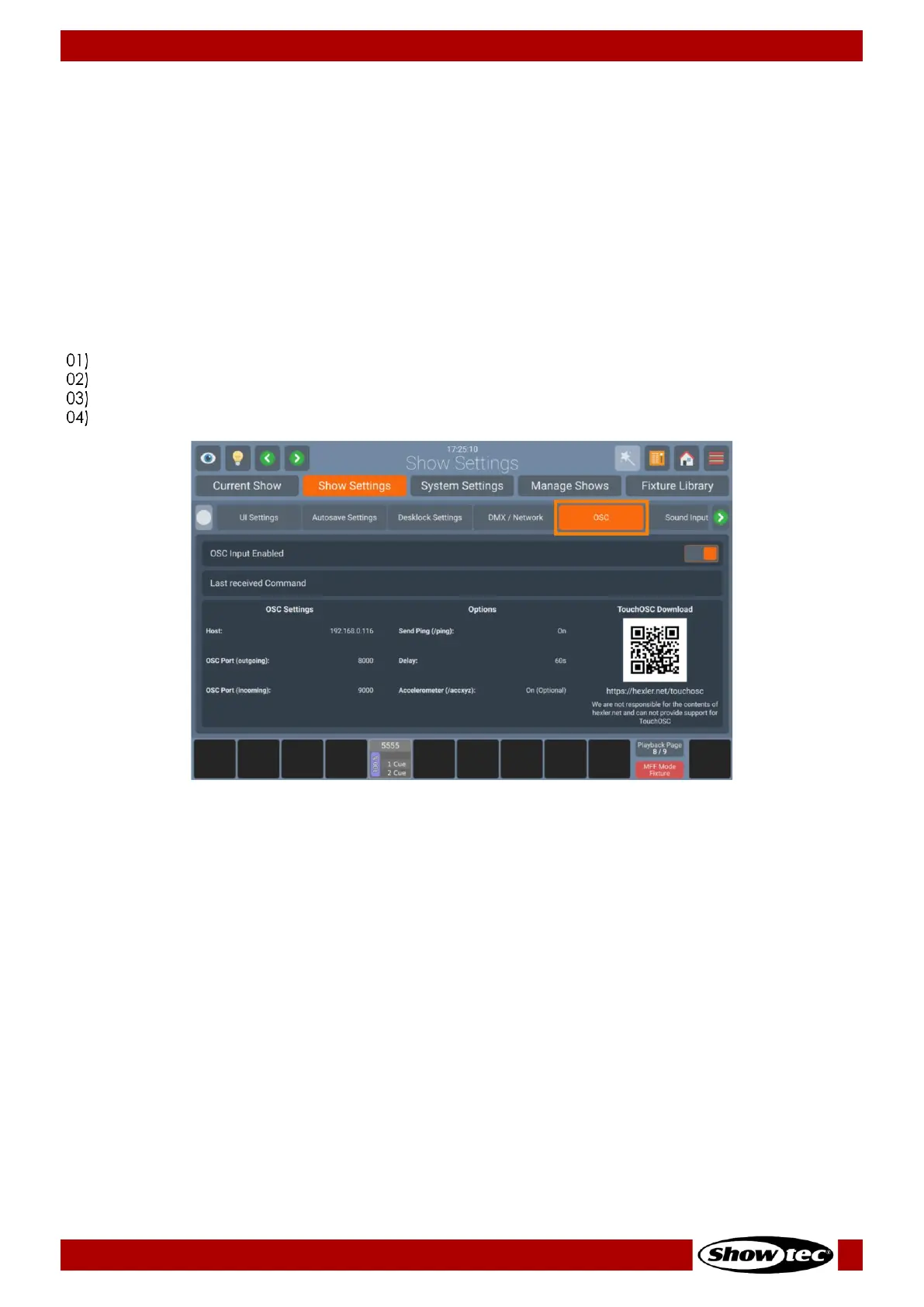
Enable Open Sound Control (OSC) Input
In case you would like to remote control your LAMPY console using an OSC Remote (such as TouchOSC
for Android or iOS), you need to enable the OSC Input.
The console shows the necessary port numbers for OSC in the OSC Group Box after activation. You can
also see incoming messages and the number of connected clients.
The QR Code on the right brings you directly to the TouchOSC Website.
The LAMPY OSC Protocol specification may be found here: 9.1, Open Sound Control on page 205.
To enable or disable OSC, please do the following:
Open the Setup Menu.
Change to the Show Settings tab.
Go to OSC page.
Toggle the On-Screen switch to either turn OSC on or off.













 To Next Page