8.4.2.8. Timecode
LAMPYs ability to synchronize Playbacks to an incoming Timecode signal may be used to keep your
lighting and audio show in sync.
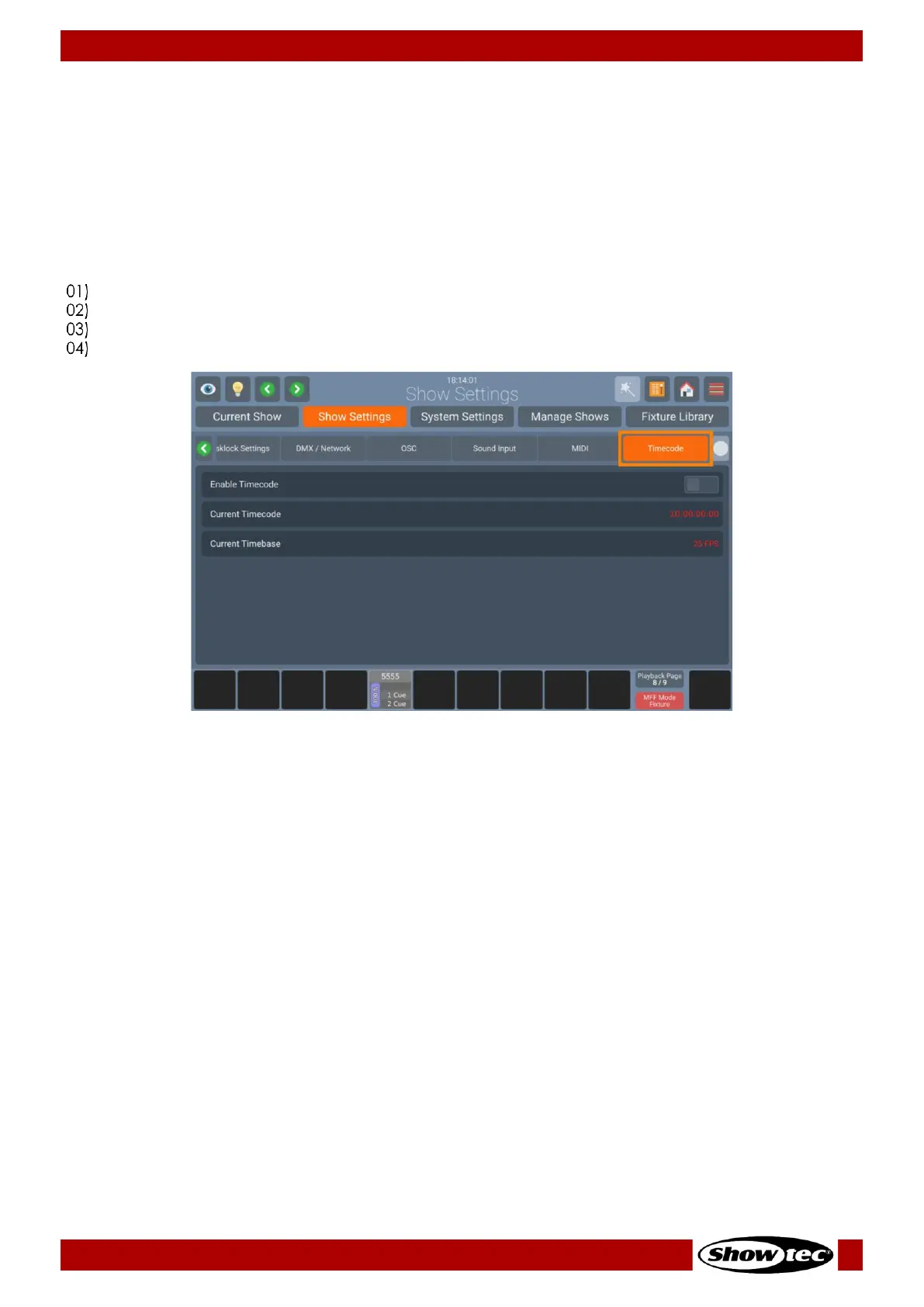
For now, timecode is only supported via MIDI. The LAMPY automatically recognizes the framerate of your
incoming timecode signal and displays the current timecode status within the Timecode Input Group
Box. No further settings are required.
You may enable or disable the timecode input as follows:
Open the Setup Menu.
Change to the Show Settings tab.
Click on Timecode.
Set the Timecode On-Screen switch to on or off.













 To Next Page