8.4.2.7. MIDI
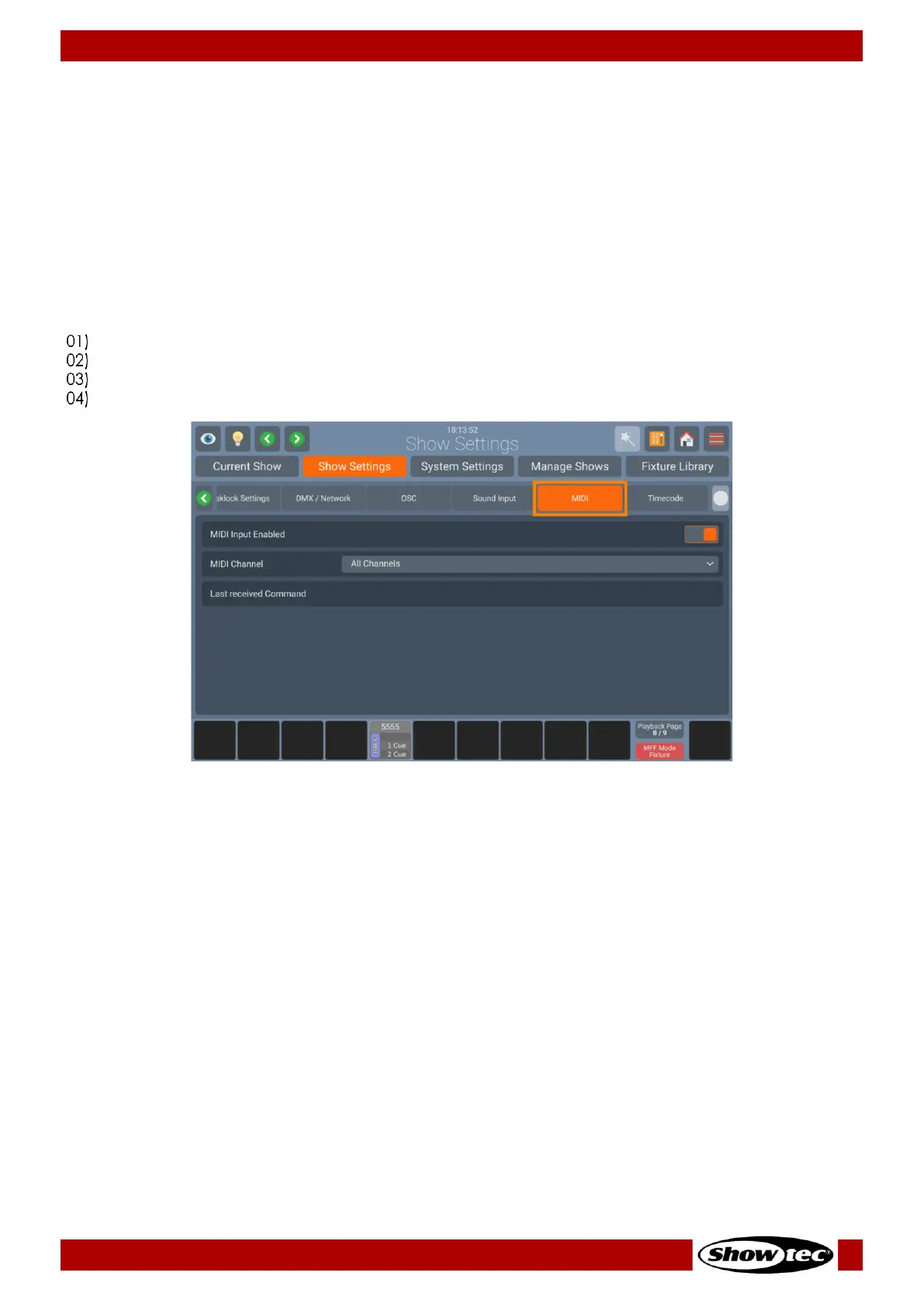
Enabling the MIDI Input
You may remote control the LAMPY Console from any MIDI Device that allows to configure its MIDI
Output. Once MIDI Input is enabled, the console will display any incoming MIDI Messages in the Status
text field within the MIDI Group Box.
MIDI Input does not need to be enabled in order to use the Timecode Input.
To learn more about the LAMPYs MIDI Protocol, please read section 9.2, MIDI Input on Page 210
You may enable or disable the MIDI input as follows:
Open the Setup Menu.
Change to the Show Settings tab.
Go to MIDI page.
Set the MIDI On-Screen switch to on or off.













 To Next Page