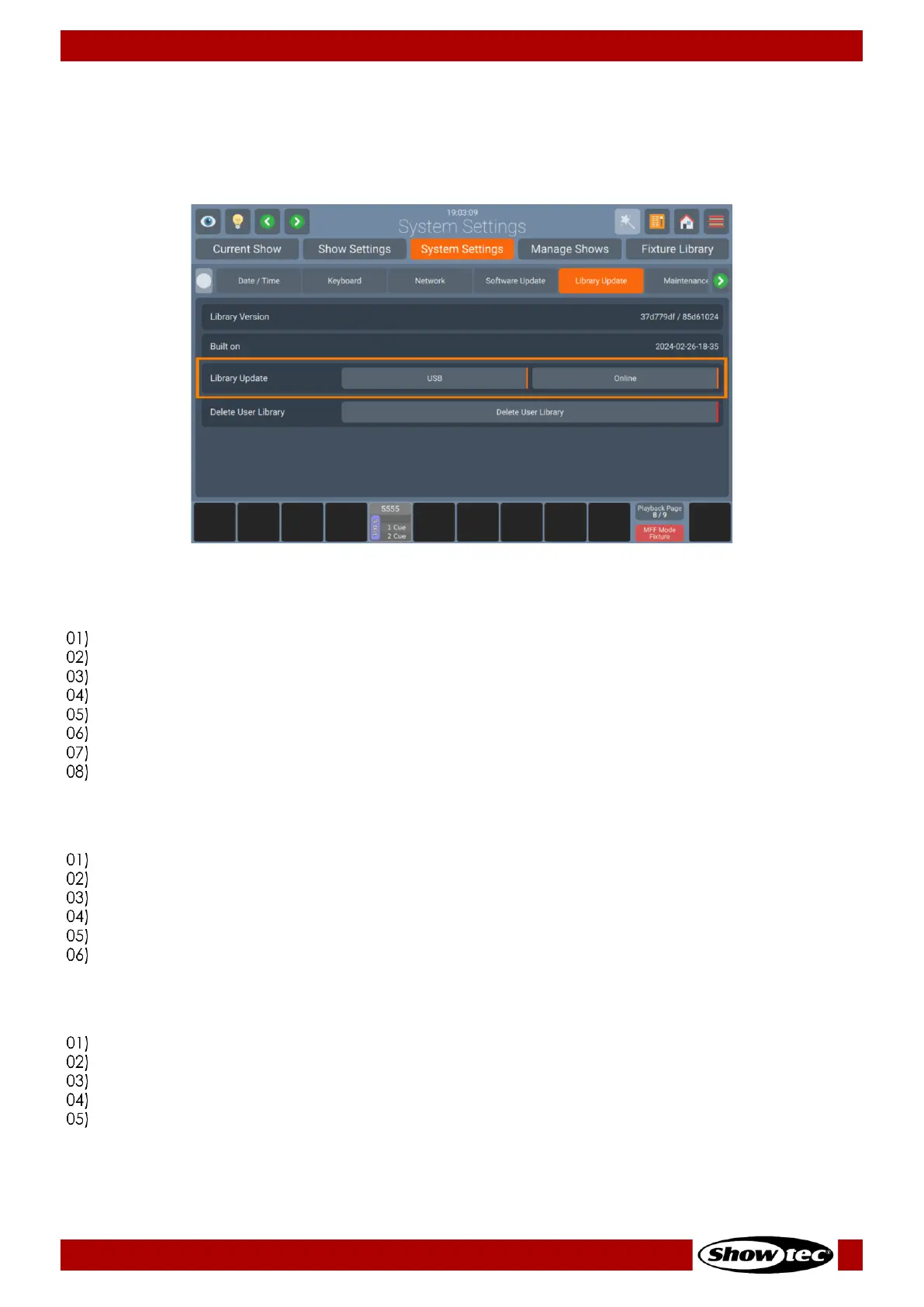
Updating the Library using USB:
Download the latest Library Version from the Highlite Website.
Make sure the file ending is .faclib. If the Update is delivered in zip format, unzip it first.
Copy the .faclib file to the showtec/factory_library folder on an USB Stick.
Open the Setup Menu.
Change to the System Settings tab.
Click on Library Update.
Click on USB.
A wizard will walk you through the update process. The console reboots automatically after the
update is completed.
Updating the Library using the Online Update functionality:
Make sure the console is connected to the Internet.
Open the Setup Menu.
Change to the System Settings tab.
Click on Library Update.
Click on Online.
A wizard will walk you through the update process. The console reboots automatically after the
update is completed.
Deleting the User Library:
Open Setup Menu.
Change to the System Settings tab.
Click on Library Update.
Click on Delete User Library.
A confirmation dialog will appear. Click Yes, Delete! To confirm. The console reboots automatically
after the update is completed.













 To Next Page