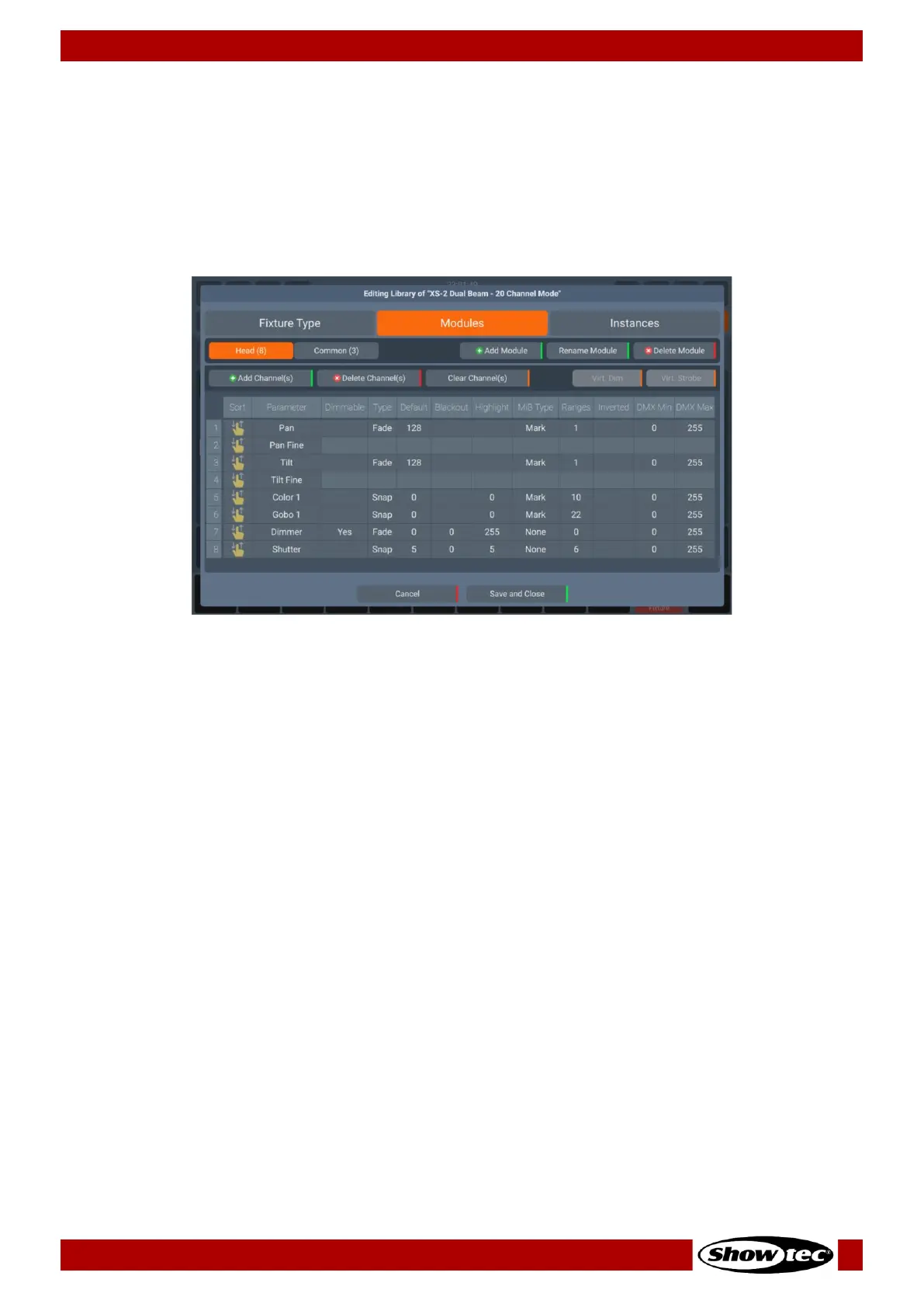
8.4.5.2. The Library Editor
This section explains the Library Editor which is used throughout the library creation or edit process.
The Library Editor consists of three different pages, which we will explain in this section: Fixture Type,
Modules and Instances.
The Modules tab will always be displayed first. To switch to the other pages, select the desired tab on the
top of the dialogue.
General Information about Fixture Libraries
Since version 2.0 fixture types are broken down into modules and instances.
Each module contains a given number of channels which are mapped to the actual functions of the
fixture. A fixture must contain at least one module but can contain many modules.
An instance then references to a module and defines instance user number and start address of each
module within the fixture. A fixture must contain at least one instance but can contain many instances.
Additionally, instances may overlap with each other.
Each instance has a unique user number, name and DMX Start but references the same module. This
way you only need to create, ie. 1 pixel module with three channels (ie. RGB) for a 10 pixel, 30 channel
fixture and create 10 instances which are using this module.













 To Next Page