Exporting Fixture Types to USB
To export a fixture library to USB, head to the Fixture Library Tab within the Setup Menu.
Select the Library Type (Factory Library, User Library or Show Library).
Select the fixtures you want to export.
Open the Fixture Library Action dialog using the Magic Wand button.
Click on Export Fixtures.
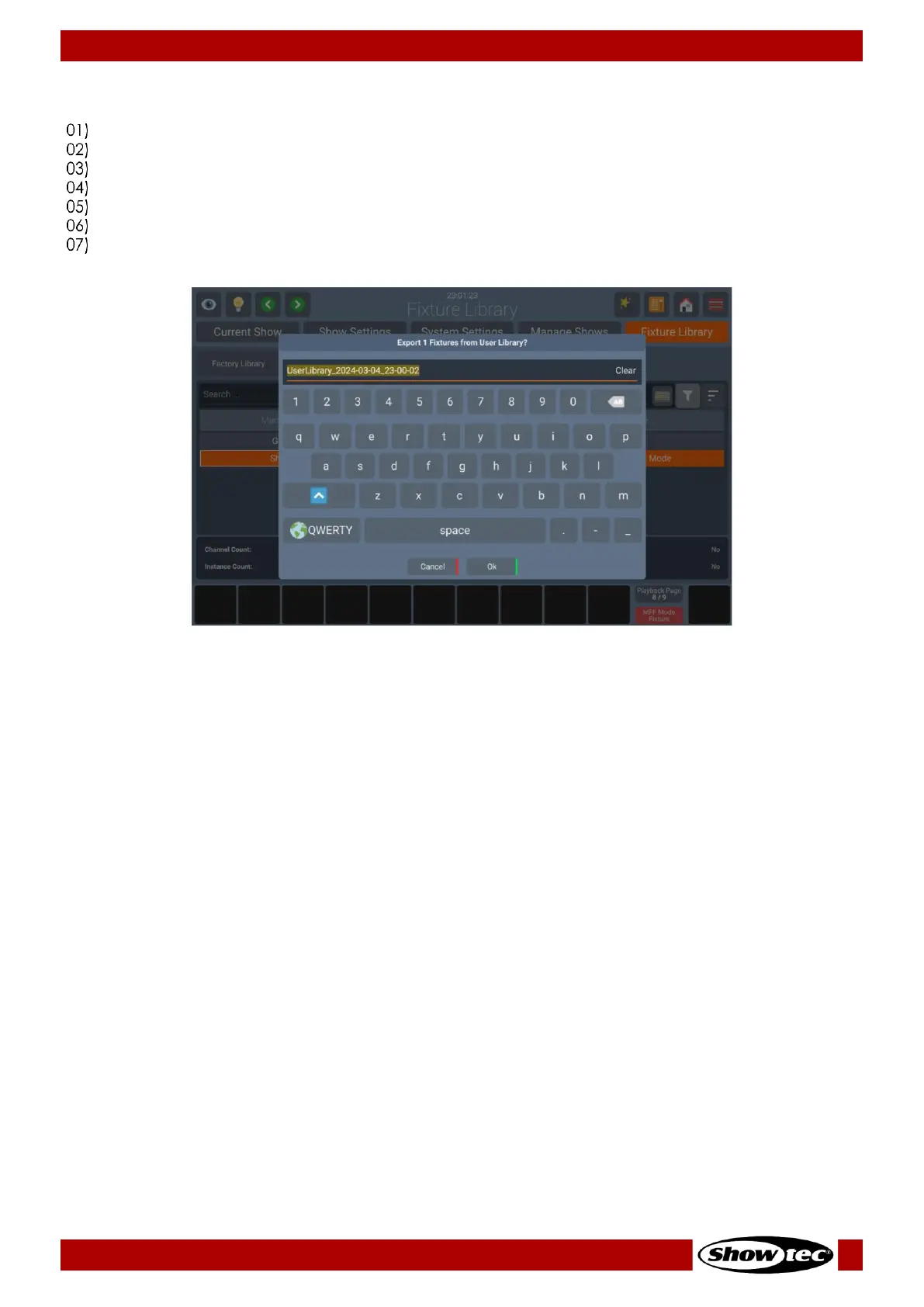
A keyboard will appear to enter a name for the file.
Click on Ok.













 To Next Page