Transferring (Copying) a Fixture Type between Libraries
Sometimes the need to transfer fixtures between the different library types may arise. To do so, please
follow these steps:
To transfer a fixture type, head to the Fixture Library Tab within the Setup Menu.
Select the fixture type you would like to transfer.
Open the Fixture Library Action dialog using the Magic Wand button.
Click on Transfer Fixture.
A window will be shown asking you for the destination library type.
Importing Fixture Types from USB
To import a fixture library from USB, head to the Fixture Library Tab within the Setup Menu.
Select the Library Type (User Library or Show Library).
Make sure the fixture library file is in the showtec/library folder on your USB Key.
Open the Fixture Library Action dialog using the Magic Wand Button.
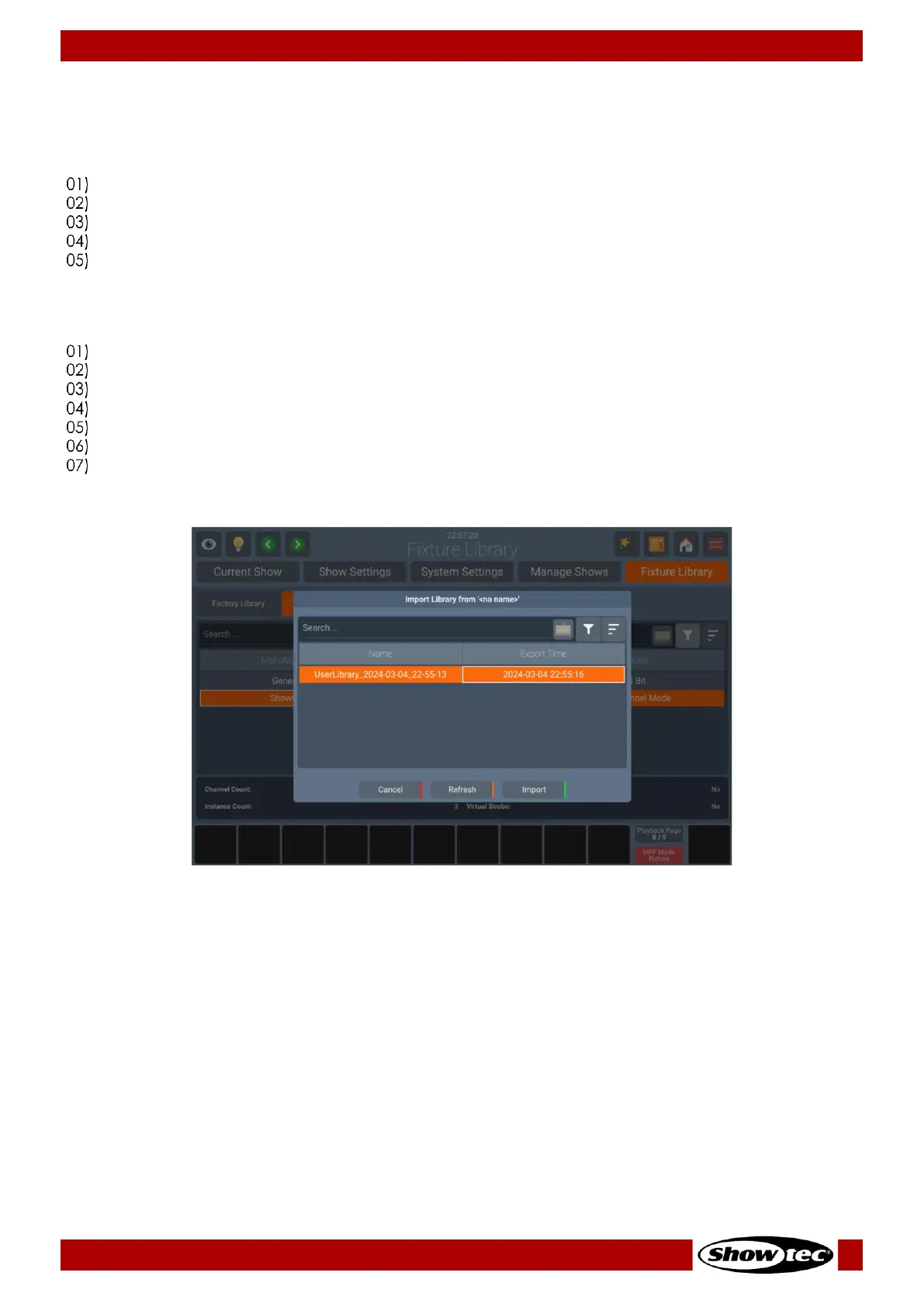
Click on Import Fixtures.
A window will be shown asking you for the library file on your USB Stick.
Click on Import.













 To Next Page