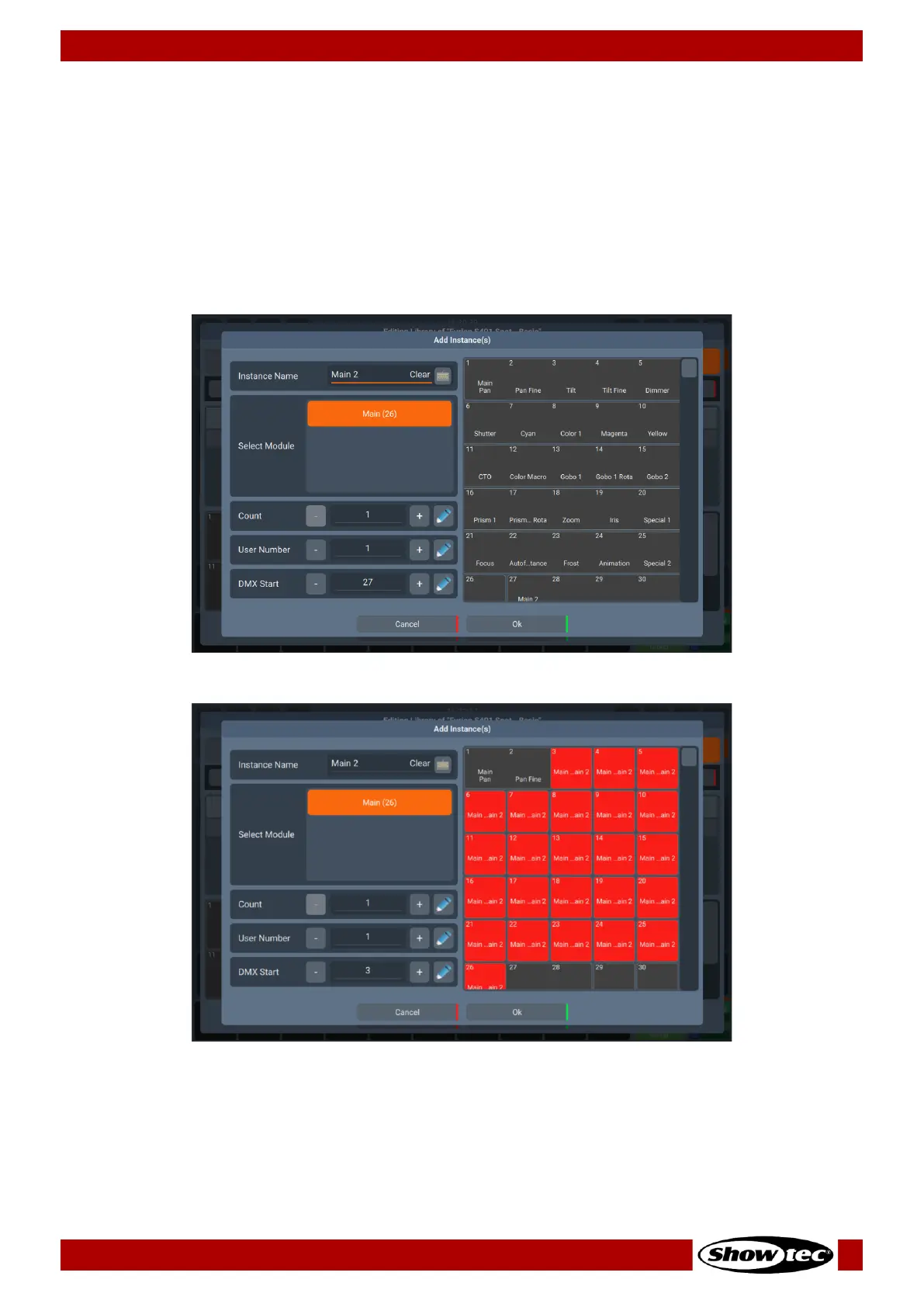
Add Instances Dialog
To add an instance of a module to the fixture type, click on Add Instance. A dialog will open.
You may enter a Name, the User Number, the Instance Start (DMX Start), the count of instances to be
added. You can also select which module you would like to use with this instance, from the Select
Module list.
The right side of this dialog shows a preview of the full fixture. You can also select the DMX Start in here,
by tapping the desired DMX location. If there is a conflict with the chosen DMX channel, the slots will
appear in red. Click Ok when done.













 To Next Page