8.5. Using the Home Screen
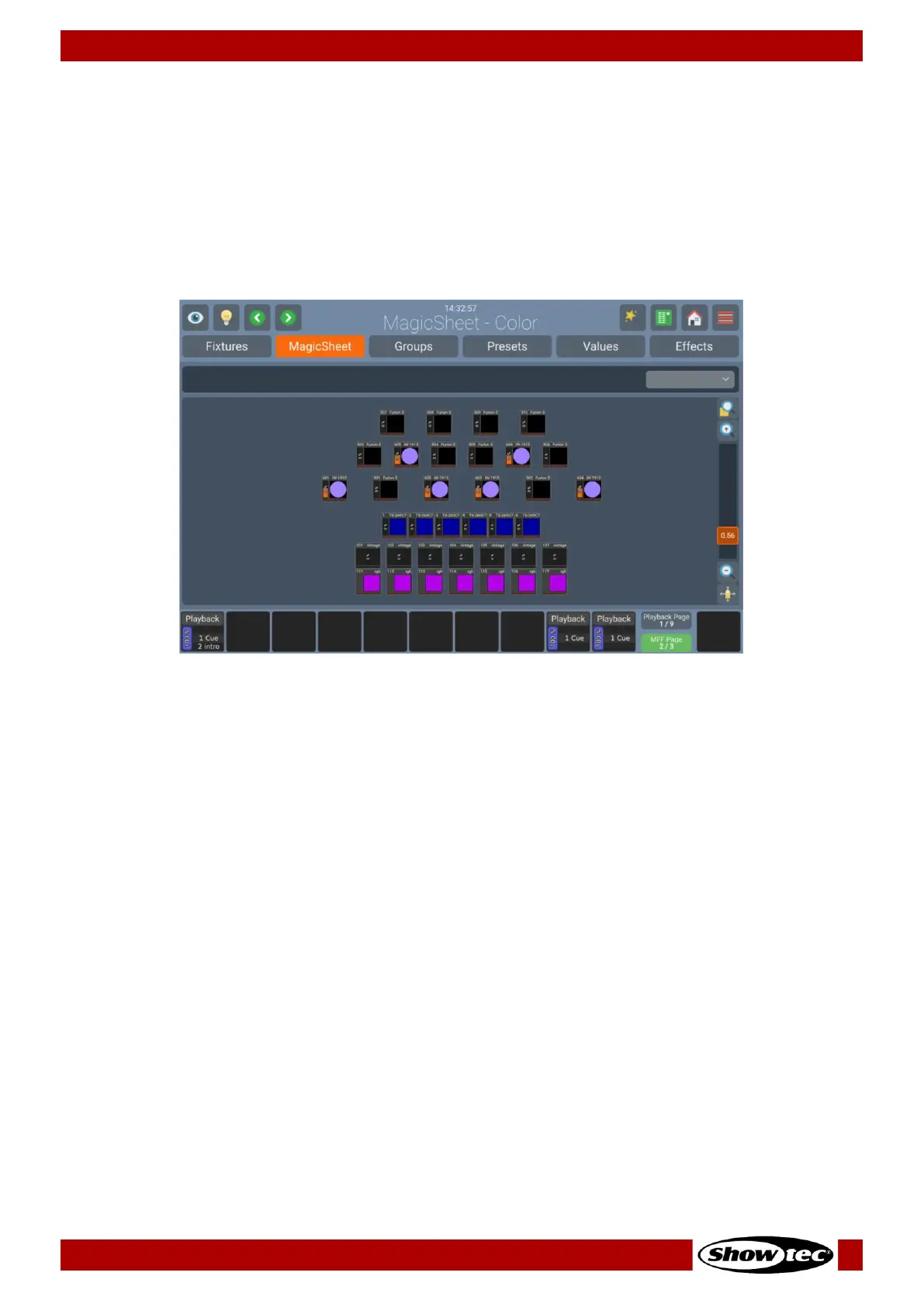
The home screen is the central place of the console where all the programming takes place.
You may open the Home Screen by clicking on the Home button in the top toolbar, or by pressing
[Home] on the Frontpanel. Repeatedly pressing this button toggles through the different Views in the
Home Screen.
It consists of the Fixtures, MagicSheet, Groups, Presets, Values (the Programmer) and Effect Views that
may be also changed by clicking on the corresponding buttons found in the top part of the screen.
Whenever the Home-Screen is open, the Encoders control the attributes of the selected fixtures. To switch
between the different attributes and attribute groups, press the [Int], [Pos], [Color], [Gob o],
[Beam] or [Spec] keys on the Frontpanel or use the dropdown menu in the top right of the Home
Screen.













 To Next Page