4
Setting Menu:
Press “MENU”switch through setup menu.
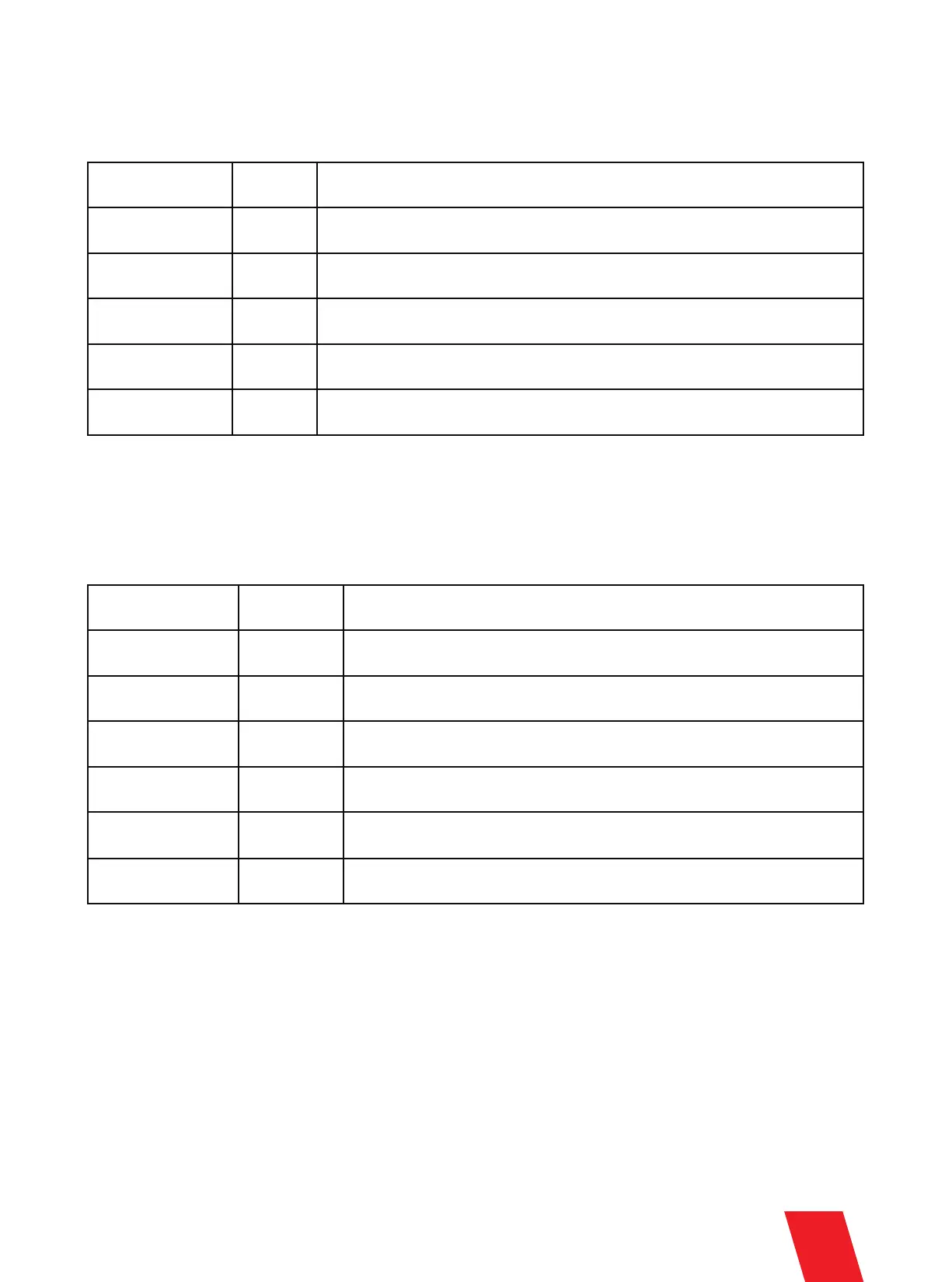
Set DMX Address
Fountain Height
Manual Heat
Manual Fountain
1-512
1-10
ON/OFF
ON/OFF
Set DMX address If controlled by Host Controller, please set DMX address as
1, 3, 5, 7,…2n-1, otherwise it may leads to signal interference
Manual firing height setup, for test only
Auto heating up ON/OFF
Manual firing, for test only
Auto Clear Delay 0.1-0.9s Auto clear material time after each firing
Advanced Menu:
Press “MENU” 3 seconds to enter the advanced setup interface, press MENU key to enter different options
wait 3 seconds to return to the main interface.
Options
Set Temperature
LCD Backlight
Density
Range
580-620
ON/OFF
70-100
Explanation
Options Range Explanation
Default is 580. Please don't change default value without engineer's
suggestion from SHOWVEN.
LCD screen backlight ON/OFF
Sparks density
Mode Selection
Factory Mode
User Mode
Factory mode is for engineer only. When in Factory mode machine can’t
controlled by DMX console/host controller
Motor Protect ON/OFF Motor protect function, default setting is Off
Standby Switch ON/OFF When ON, the machine can firing only when heating up was finished


 To Next Page