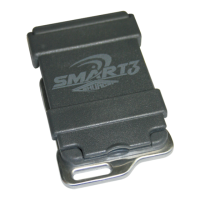
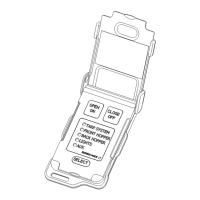
Wireless Remote Programming & Operating Instructions
P/N 1126870 Rev. B
2
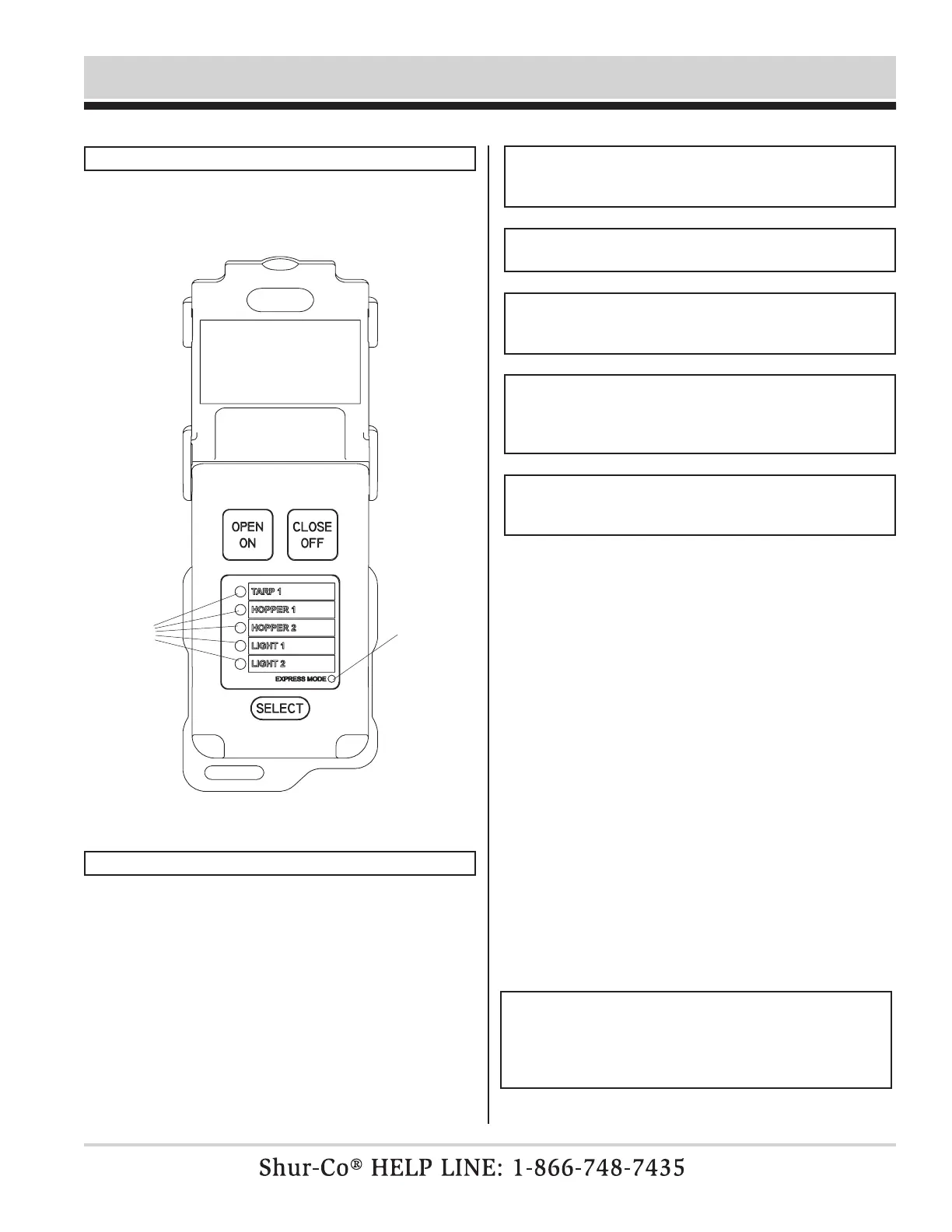
Transmitter (remote) will power up when lid is opened. Remote
will power down when lid is closed or left open three minutes after
last button is pushed.
POWER UP/DOWN
After power-up, rst channel will be immediately active and
indicator light will be ashing. Open/On and Close/Off buttons
are operational for indicated active channel. While either Open
or Close button is pressed, indicator light for active channel will
ash faster, indicating command is being transmitted on active
channel.
Select button will cycle between enabled channels.
If light does not ash more quickly when a command button is held,
then remote has not connected to receiver. Receiver may not be
nearby, may not be powered up or may not be paired to receiver.
Each channel on remote can be set to operate in either Momentary
Mode or Express Mode.
STANDARD OPERATION
flashing
light
indicates
active
channel
NOTE: See CHANNEL CONFIGURATION section for
instructions on how to set operating mode for each channel.
Momentary Mode: While remote channel is in Momentary Mode,
Open or Close button must be held down to operate system.
Express Mode: While remote channel is in Express Mode, Open
or Close button can be pressed and released. System will con-
tinue to operate until fully open or closed. System can be stopped
at any time by pressing any button on remote or closing remote lid.
Indicator light labeled Express Mode will be on when remote is
in that mode.
express
mode
indicator
light
If remote channel is in Momentary Mode, you may still force
system to open or close automatically one time by pressing Open
or Close, while pressing Select button. System will continue to
operate until fully open or closed. System can be stopped at
any time by pressing any button on remote or closing remote lid.
Indicator light labeled EXPRESS MODE will be lit while system
is operating in that mode.
Indicator light labeled Express Mode will be off when remote is
in Momentary Mode.
NOTE: Some Shur-Co
®
products are not compatible with
EXPRESS MODE. If motor does not have encoder wire or
other feedback, system will operate in MOMENTARY MODE
only.
NOTE: Remote ships from factory with rst channel (TARP)
congured to EXPRESS MODE. Other four channels are
congured to MANUAL MODE.
NOTE: Even if remote channel is congured to EXPRESS
MODE, system will not operate in EXPRESS MODE unless
encoder wires between motor and control box are connected.
NOTE: 4500 HD Tarp systems operate in EXPRESS MODE
when commanded to operate from buttons on trailer-mounted
control box. Closing remote lid or pressing SELECT button
will not stop system in this case. Pressing OPEN or CLOSE
button on remote will stop system if in range.
NOTE: If your system is not compatible with EXPRESS
MODE, disable EXPRESS MODE for that channel to avoid
confusion.


 To Next Page
 Loading...