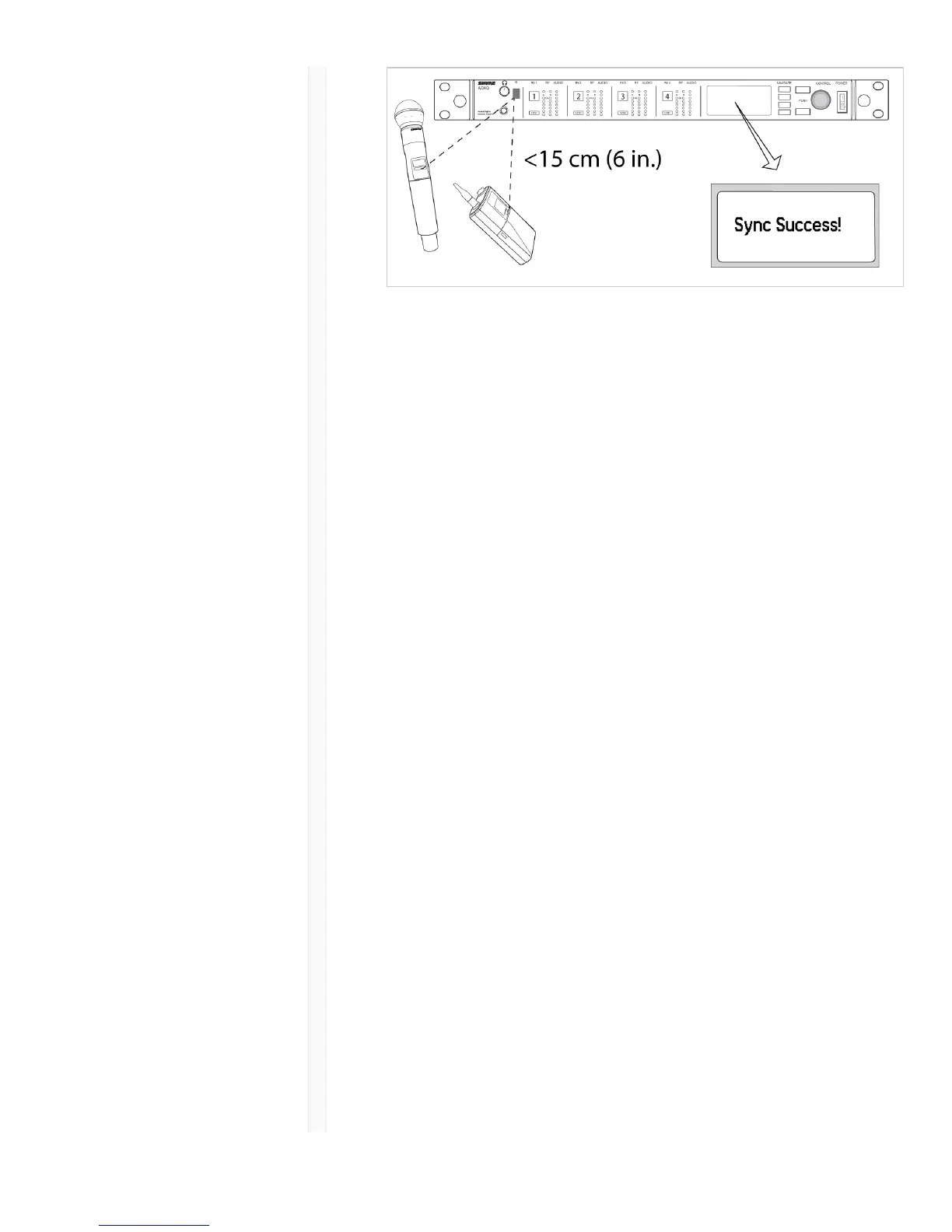
Note:
Any change to the encryption status on the receiver
(enabling/disabling encryption) requires a sync to send
the settings to the transmitter. New encryption keys for
the transmitter and receiver channel are generated on
every IR sync, so to request a new key for a transmitter,
perform an IR sync with the desired receiver channel.
Setting the Frequency Manually
The transmitter can be manually tuned to a specific
frequency, group, or channel
1. Navigate to the Radio menu.
2. To manually select a frequency, scroll to G: and C: to
edit the group and channel, or to the frequency
parameter .
3. Press enter to enable editing.
4. Use the ∧∨ buttons to adjust the group, channel, or
frequency.
5. Press enter to save, and then press exit when
finished.



 To Next Page