Shure Incorporated
3/7
Volume Up/Down Click + or -
Next track Press and hold +, 3 seconds
Previous track Press and hold -, 3 seconds
Check battery status Press and hold + and - together, 3 seconds
Your phone may not be compatible with some functions. Visit http://www.shure.com/earphones (http://
www.shure.com/earphones) for more information.
Charging the Earphones
Red LED indicates low battery.
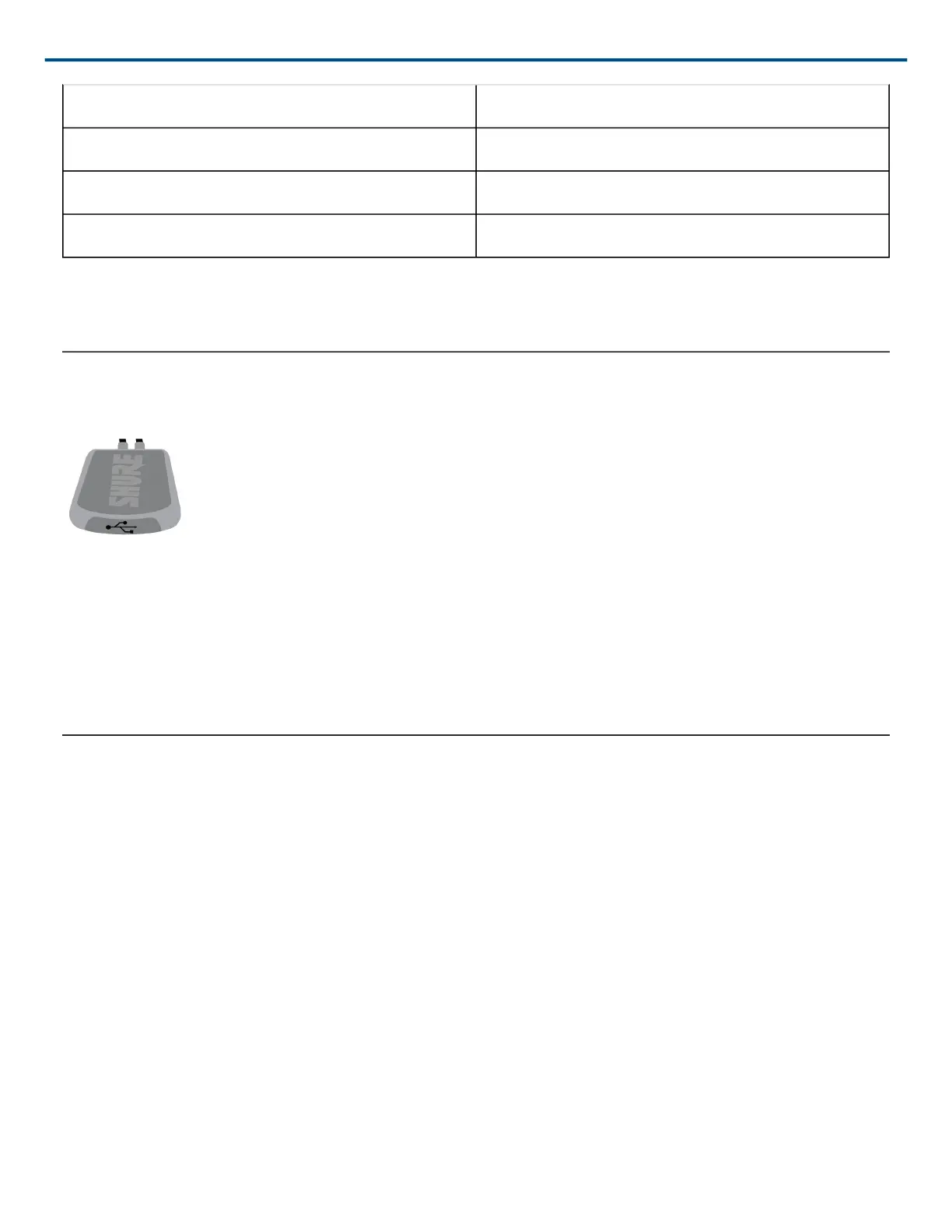
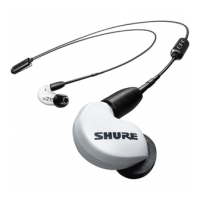
1. Connect the earphones to a charging device using the supplied USB cable.
2. The LED is red while charging.
3. When fully charged, the LED turns off.
Warning: Before charging, make sure the product is at room temperature, between 10 to 45°C (50 to 113°F).
Note: Use this product only with an agency approved power supply which meets local regulatory requirements
(e.g., UL, CSA, VDE, CCC, INMETRO).
Specifications
Antenna Information:
• Type = Chip
• Gain = +1.6 dBi
Bluetooth 5:
• Operating frequency = 2402MHz-2480MHz
• Modulation scheme = FHSS
• RF power = +7.45dBm (E.I.R.P.) (for EU)
Supported Codecs:
• aptX™
• aptX HD


 To Next Page