Shure Incorporated
5/14
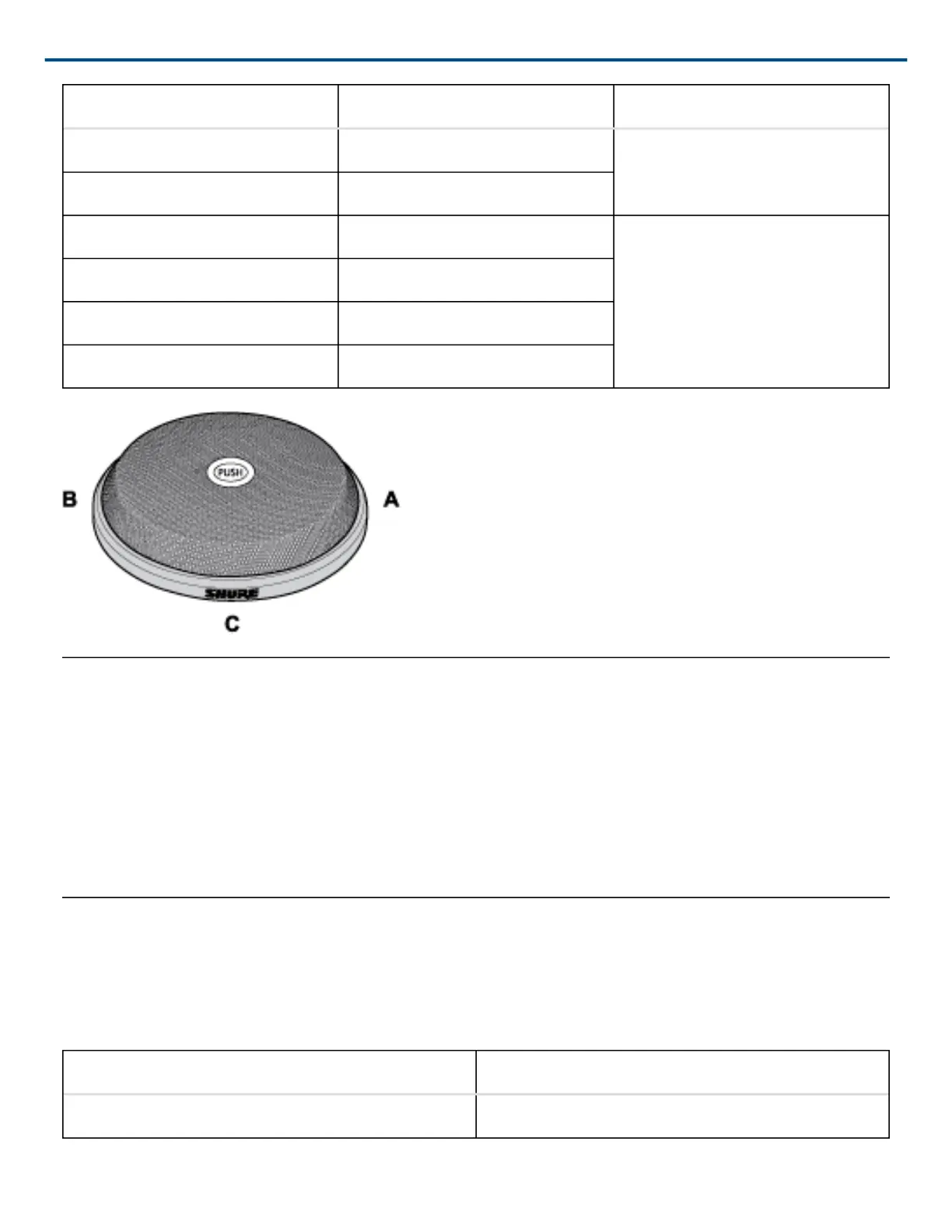
Wire Color Function Mic Element
Yellow Mic 3 Audio + C (TRI models)
Gray Mic 3 Audio −
Red SWITCH OUT All
Black LED IN
Silver (non-insulated) Logic Ground
Shield Mic Common Ground
Phantom Power
Each element in the microphone requires 12 to 48 V phantom power. The LED also uses phantom power, and
dims slightly when phantom power voltage drops below 48 V DC.
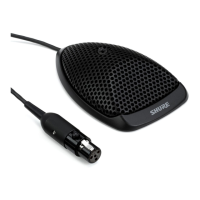
The Tri-element model draws 22 mA at 48 V. The Dual-element model draws 19 mA at 48 Vdc. (Each element
draws 3 mA and the LED draws 13 mA, distributed equally among each element.)
NOTE: Do not connect multiple elements in parallel to a single mic input. The phantom power current draw could
exceed the maximum allowable for one mic input.
Accessing the DIP Switches
Caution: Failure to reinstall the setscrew will reduce RF immunity.
DIP Switch Settings
DOWN (Default) UP
Momentary Toggle



 To Next Page