Shure Incorporated
5/14
•
•
•
◦
◦
LEDs indicate charge status and battery errors
Storage mode to prepare batteries for long-term storage
Network-enabled for remote monitoring
Furnished Accessories
Power supply PS60
Allen wrench 95A28936
Screw 30B28875
Note: Model availability depends on region. See your local Shure dealer or distributor for details.
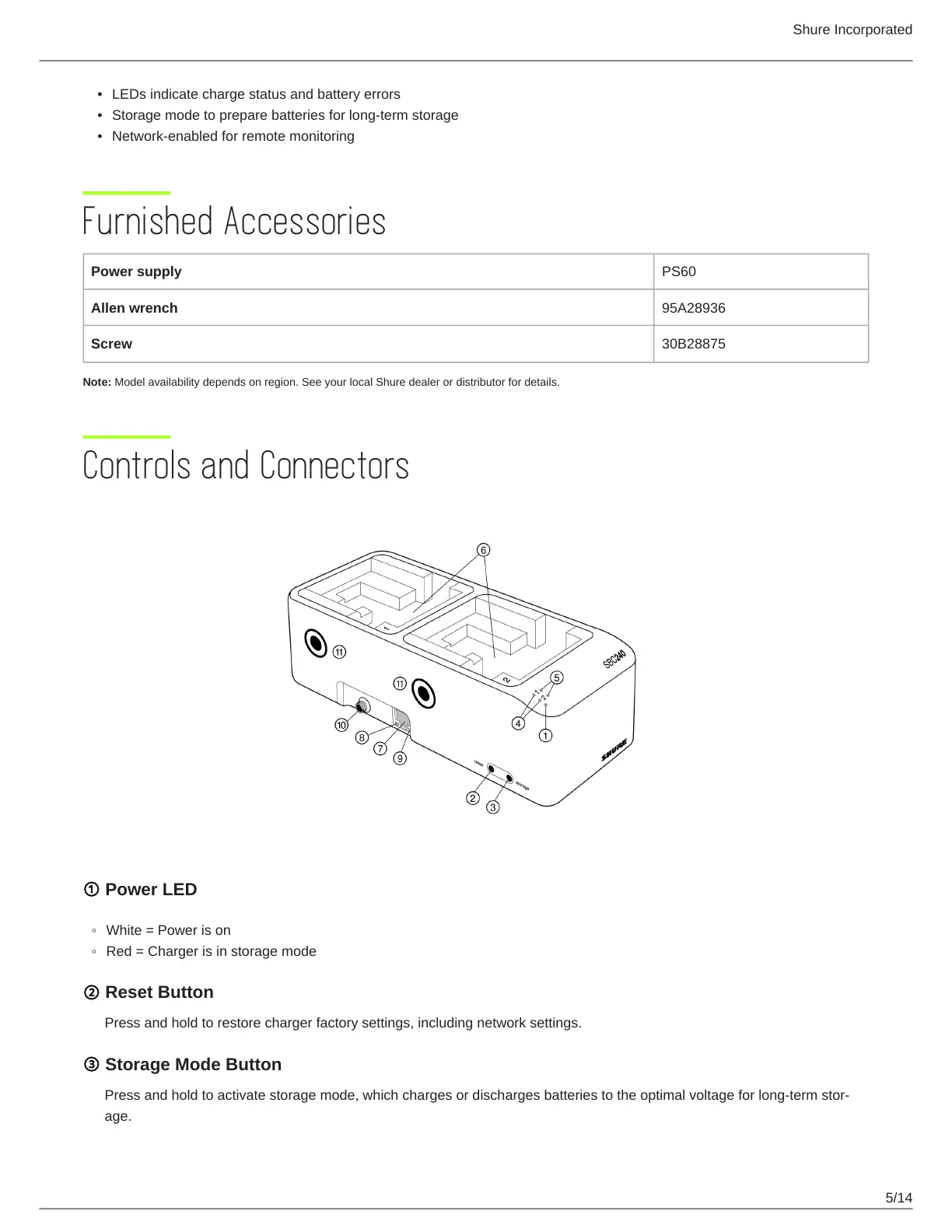
Controls and Connectors
① Power LED
White = Power is on
Red = Charger is in storage mode
② Reset Button
Press and hold to restore charger factory settings, including network settings.
③ Storage Mode Button
Pressandholdtoactivatestoragemode,whichchargesordischargesbatteriestotheoptimalvoltageforlongtermstor
age.



 To Next Page