Charging Time
15 minutes = 1 hour of use
1 hour = 50% charged
3 hours = 100% charged
Note: If charging station loses power, transmitters will also power
off. Transmitters will resume charging when power is restored.
Connecting Shure Devices to
Wireless Workbench
Wireless Workbench lets you control and monitor devices
over the network. To get started, visit
http://www.shure.com/wwb and download Wireless
Workbench software. Wireless Workbench communicates
with connected devices over a standard Ethernet network.
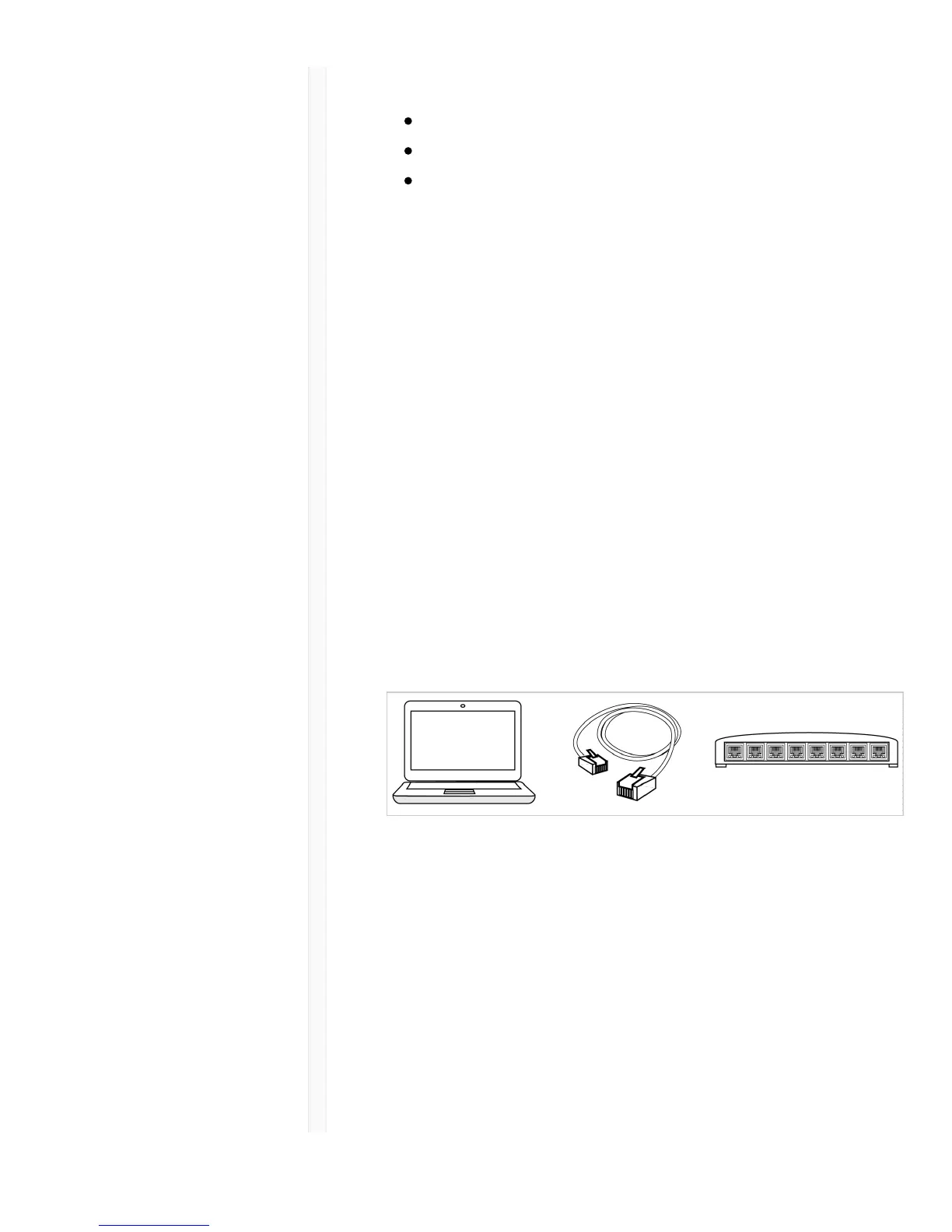
Required equipment: Shure device, computer with
Wireless Workbench installed, Cat 5 (or better) Ethernet
cable, and router or network switch
1. Connect the device to your computer with a shielded
Cat 5 (or better) Ethernet cable to ensure reliable
network performance. If you have multiple devices to
manage, connect each device to a router or network
switch. The Ethernet port LEDs on your device will
illuminate to indicate network connectivity. Verify that
Shure devices can see each other by looking for the
network connectivity icon on the front panel (location
varies).



 To Next Page