LED (Amber)
ɨ Ethernet
Status LED
(Green)
Off = No network link
On = Network link established
Flashing = Network link active
Power Connections
1. Connect power supply to power outlet and charger
power input.
2. Charger automatically turns on when connected to
power. Press and hold power button to turn off.
If you experience a loss of power, the charging station will
automatically resume charging after power is restored.
Charging Boundary and
Gooseneck Base Transmitters
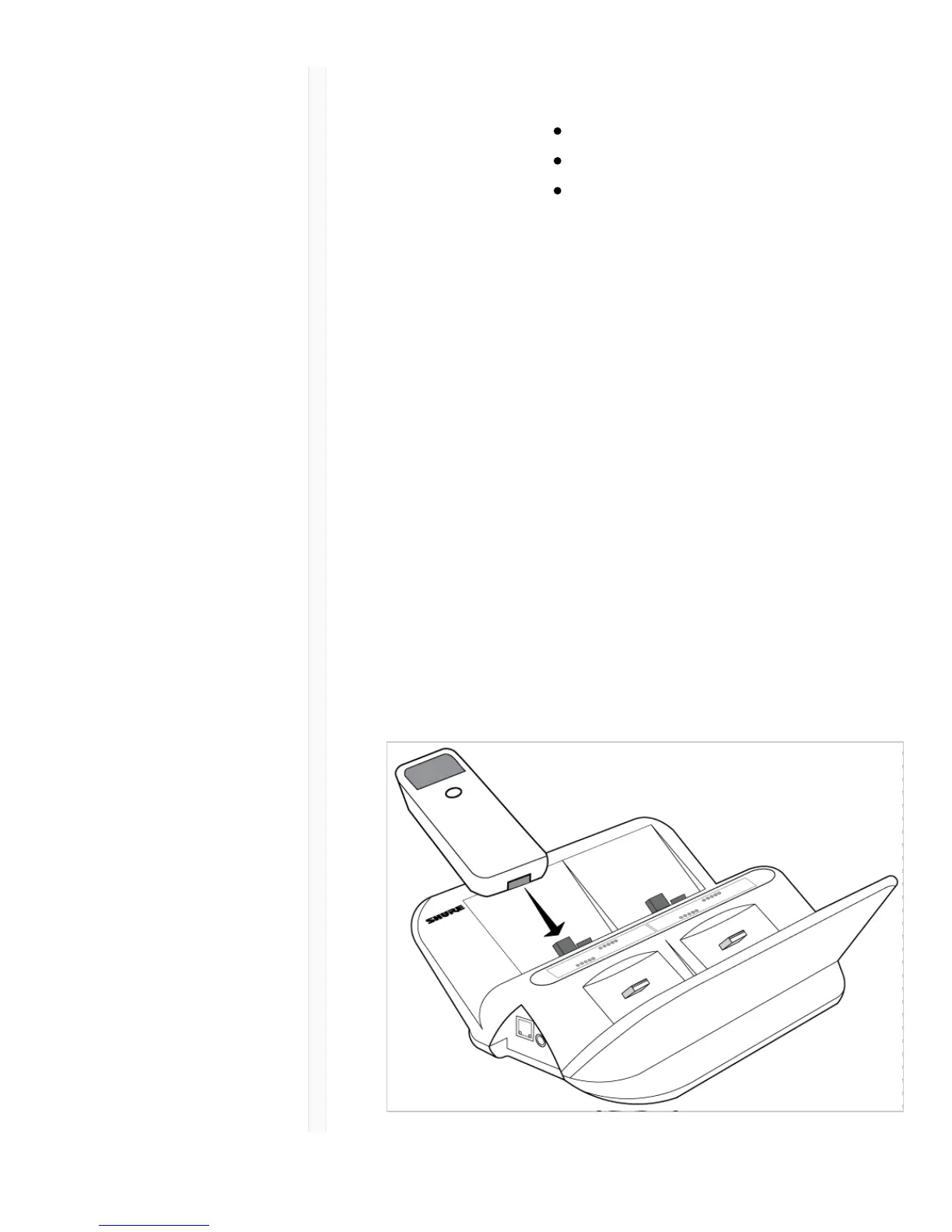
Slide any ULXD6 or ULXD8 transmitter with Shure
rechargeable batteries into a charging slot as shown:



 To Next Page