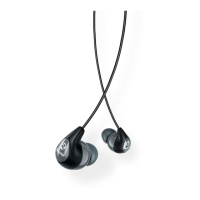
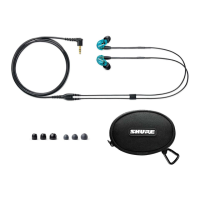
Shure Incorporated
5/8
•
•
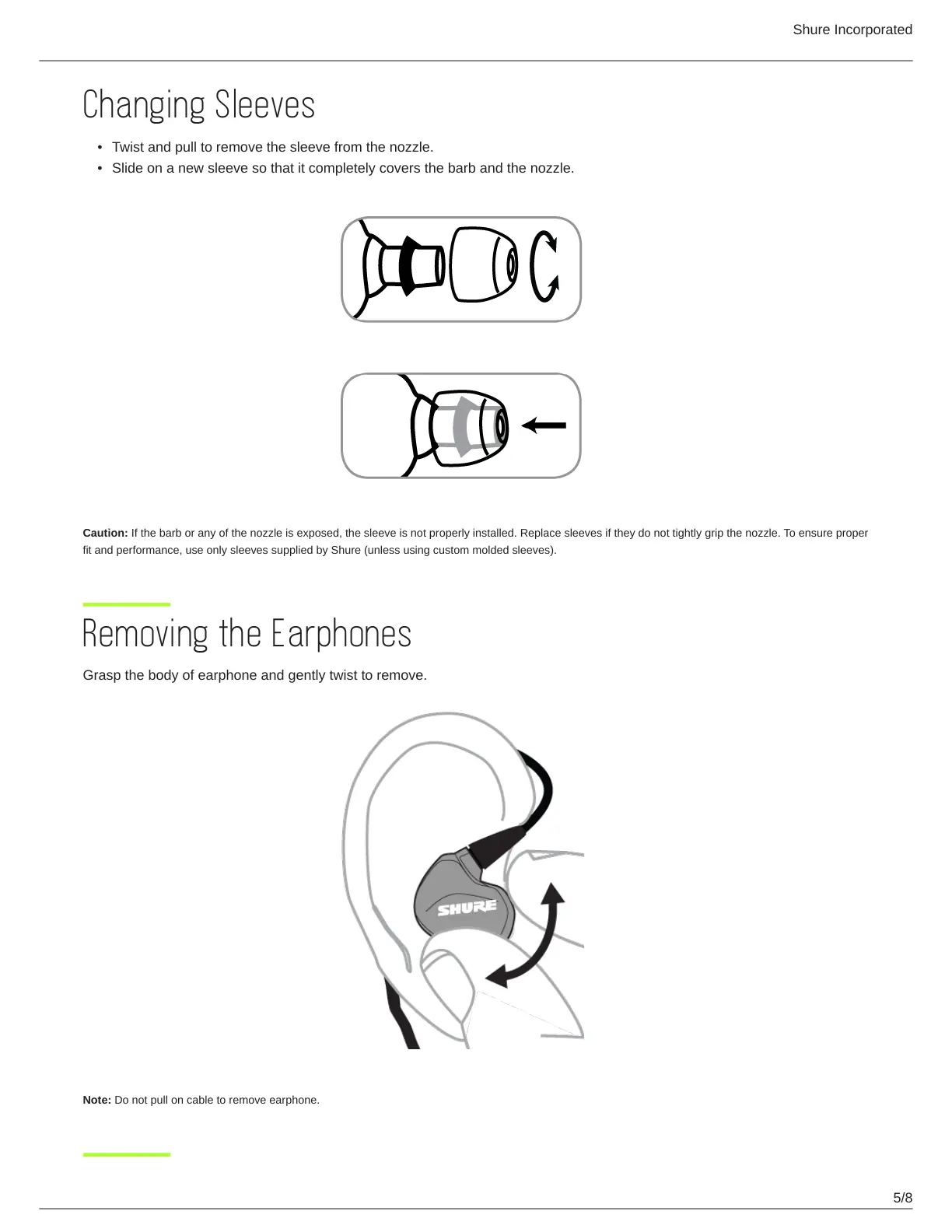
Changing Sleeves
Twist and pull to remove the sleeve from the nozzle.
Slide on a new sleeve so that it completely covers the barb and the nozzle.
Caution: If the barb or any of the nozzle is exposed, the sleeve is not properly installed. Replace sleeves if they do not tightly grip the nozzle. To ensure proper
fit and performance, use only sleeves supplied by Shure (unless using custom molded sleeves).
Removing the Earphones
Grasp the body of earphone and gently twist to remove.
Note: Do not pull on cable to remove earphone.


 To Next Page