7
English
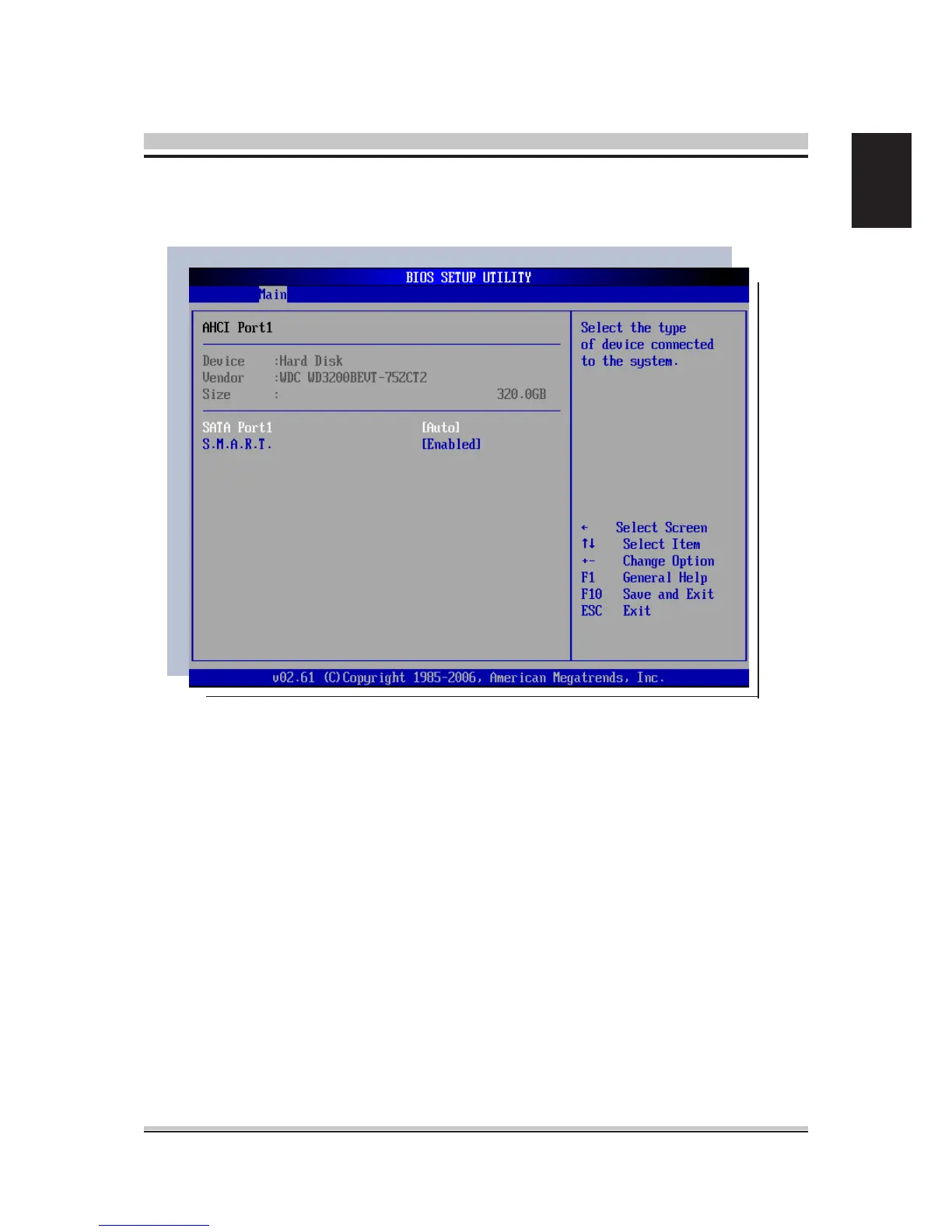
・System Date
This item allows you to set the system date. The date format is
[day:month:date:year].
・System Time
This item allows you to set the system time. The system clock will go
on no matter you shut down the PC or get into sleep mode. The time
format is [hour:minute:second].
Use [ENTER], [TAB] or [SHIFT-TAB] to select a eld.
Use [+] or [-] to congure system Time.
1.2.2 Main Menu














 To Next Page