
 Need help?
Do you have a question about the Shuttle XPC slim and is the answer not in the manual?
Installs necessary drivers to optimize system performance in Windows OS.
Introduction to AMIBIOS, common names, and chapter purpose for navigating BIOS setup screens.
Step-by-step instructions to access BIOS setup screens by pressing the <Delete> key.
Configuration for Trusted Platform Module (TPM) support for security device features.
Settings for power management, including wake-up options and power-on behavior.
Options for configuring CPU settings, performance cores, and turbo mode.
Configuration for SATA mode selection and M.2 NVMe/SATA devices.
 General
| Category | Desktop |
|---|---|
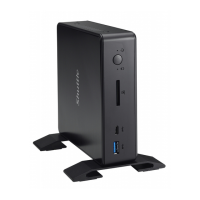
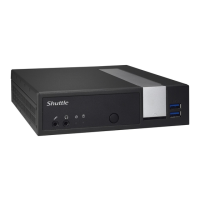
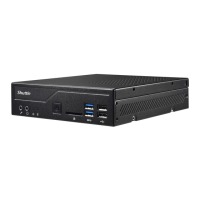
| Model | XPC slim |
| Power Supply | External Power Adapter |
| Storage | 2.5" HDD/SSD |
| Graphics | Integrated Intel HD Graphics |
| Expansion Slots | Mini-PCIe |
| Networking | Gigabit Ethernet, Optional Wi-Fi |
| Video Outputs | HDMI, VGA |
| Operating System Support | Windows 10 |
| Chipset | Varies by model (Intel or AMD) |











 To Next Page