
 Need help?
Do you have a question about the Shuttle DX30 Series and is the answer not in the manual?
Details copyright, trademarks, disclaimers, and general product notices.
Essential warnings and handling instructions for safe operation of the Shuttle XPC.
Instructions for installing drivers and utilities from the provided motherboard DVD.
Guide to accessing the MotherBoard Manual and Quick Guide for assistance.
Step-by-step instructions to enter the BIOS setup screens.
Explanation of BIOS screen layout, key legend, and essential navigation shortcuts.
Settings for system time, date, and primary BIOS options.
Detailed configuration for TPM, Power Management, Hardware Health, CPU, USB, OnBoard, and SATA.
Managing system security via passwords, login controls, and secure boot.
Configuring boot order, boot mode (UEFI/Legacy), and device priorities.
Procedures for saving changes, exiting without saving, or loading default settings.
 General
| Memory Slots | 2 |
|---|---|
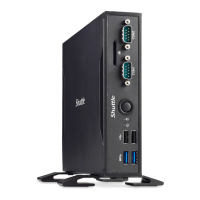
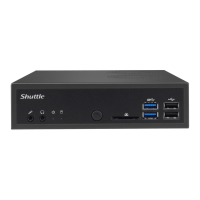
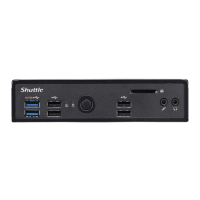
| USB Front | 2x USB 3.0 |
| USB Rear | 2x USB 3.0, 2x USB 2.0 |
| USB Ports | 6 |
| Video Output | 1x HDMI, 1x DisplayPort |
| Graphics | Intel HD Graphics |
| Audio | Realtek ALC662 |
| Storage | 1x 2.5" HDD/SSD |







 To Next Page