
 Need help?
Do you have a question about the Shuttle DH470 and is the answer not in the manual?
Warning about battery replacement and disposal.
Precautions for device placement and environment.
Instructions for installing drivers from the provided DVD.
Accessing motherboard manuals and quick guides from the DVD.
Introduction to accessing and navigating the BIOS setup.
Step-by-step guide to enter BIOS setup.
Overview of the main BIOS setup screen layout and navigation.
How to configure the system's current date and time.
Settings related to CPU features and performance.
Configuration options for SATA storage devices.
Settings for integrated motherboard devices like audio and LAN.
Options for managing system power states and wake-up events.
Monitoring system hardware status, like fan speed and temperature.
Settings for the Trusted Platform Module (TPM) security feature.
Setting and managing the supervisor password.
Setting and managing the user password.
Adjusting password login restrictions.
Enabling/disabling BIOS write protection.
Enabling/disabling secure boot functionality.
Setting the initial state of the Num Lock key.
Enabling/disabling faster system boot times.
Enabling/disabling booting from USB devices.
Enabling/disabling booting from card readers.
Defining the sequence of bootable devices.
Saving configuration changes and rebooting the system.
Discarding changes and exiting the BIOS setup.
Restoring BIOS settings to factory defaults.
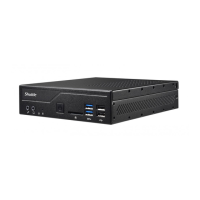
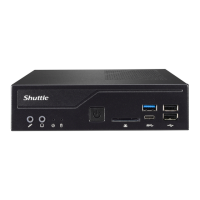
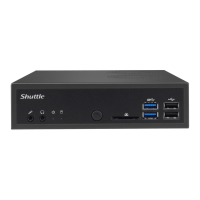

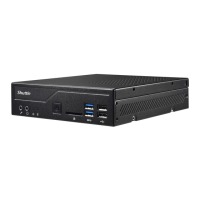






 To Next Page
 General