Operation
Key Functions
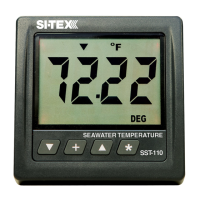
The t, :, s and Q keys are used to select what to display, set
backlight levels, calibrate temperature, set alarms and change
units of measure. New information is automatically saved to a
nonvolatile memory.
Backlight Intensity
Press : the key 1/2 second to adjust the backlight level for
night viewing. Each time you press the : key for 1/2 second
the level will get brighter 1, 2, 3, 4, OFF, 1, 2, ... etc. The blue
backlight ON/OFF control wire in cable #2 must be switched
to +12/24V for the backlights to work and offers external
backlight ON/OFF control. If ON/OFF control is not
required, connect the blue backlight ON/OFF wire to +12VDC
or +24VDC permanently.
View Sea Water Temperature
Sea Water Temperature is normally displayed except when
setting alarms or viewing Maximum Temperature Seen or
Minimum Temperature Seen memory .
Page 7


 To Next Page