DST4602 User’s Manual 11
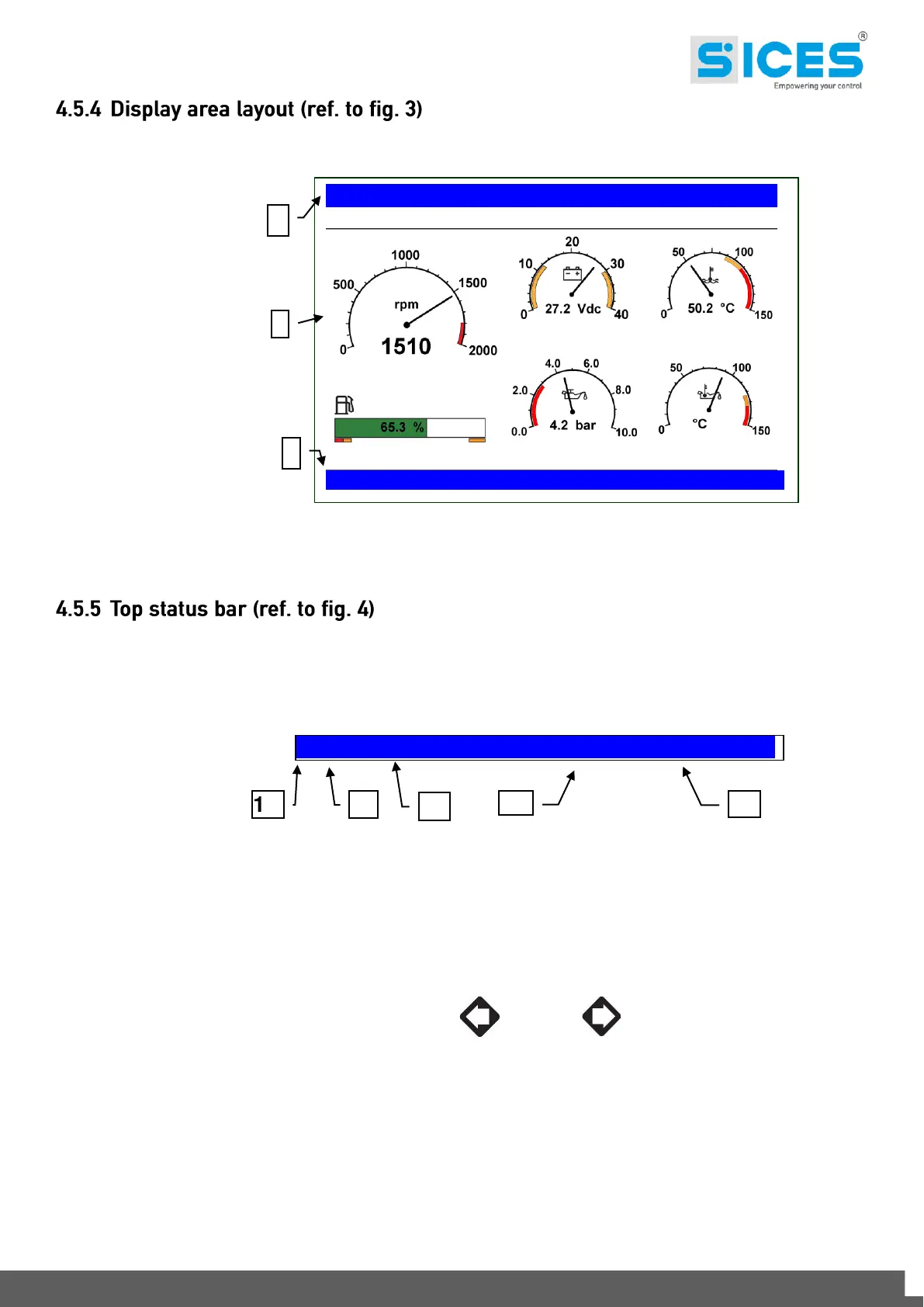
Fig. 3 - Display areas
The top status bar contains information on navigation and times.
The current mode (1a) is shown in the relevant field of the top status bar.
The mode identifier (1a), and the page identifier (1b) identify and refer to the page so there is no chance of error.
The display on the top status bar with left , or right arrow buttons or both (1d), indicates there are other
pages which can be viewed using the relevant LEFT and RIGHT buttons.
E.01 ENGINE 18/07/2011 18:23
KEY:
1a - Mode identifier
1b - Page identifier
1c - Page title
1d - Pages to the left or right
1e - Date and time
E.02 ENGINE 18/07/2011 18:23



 To Next Page