10 DST4602Evolution User’s Manual
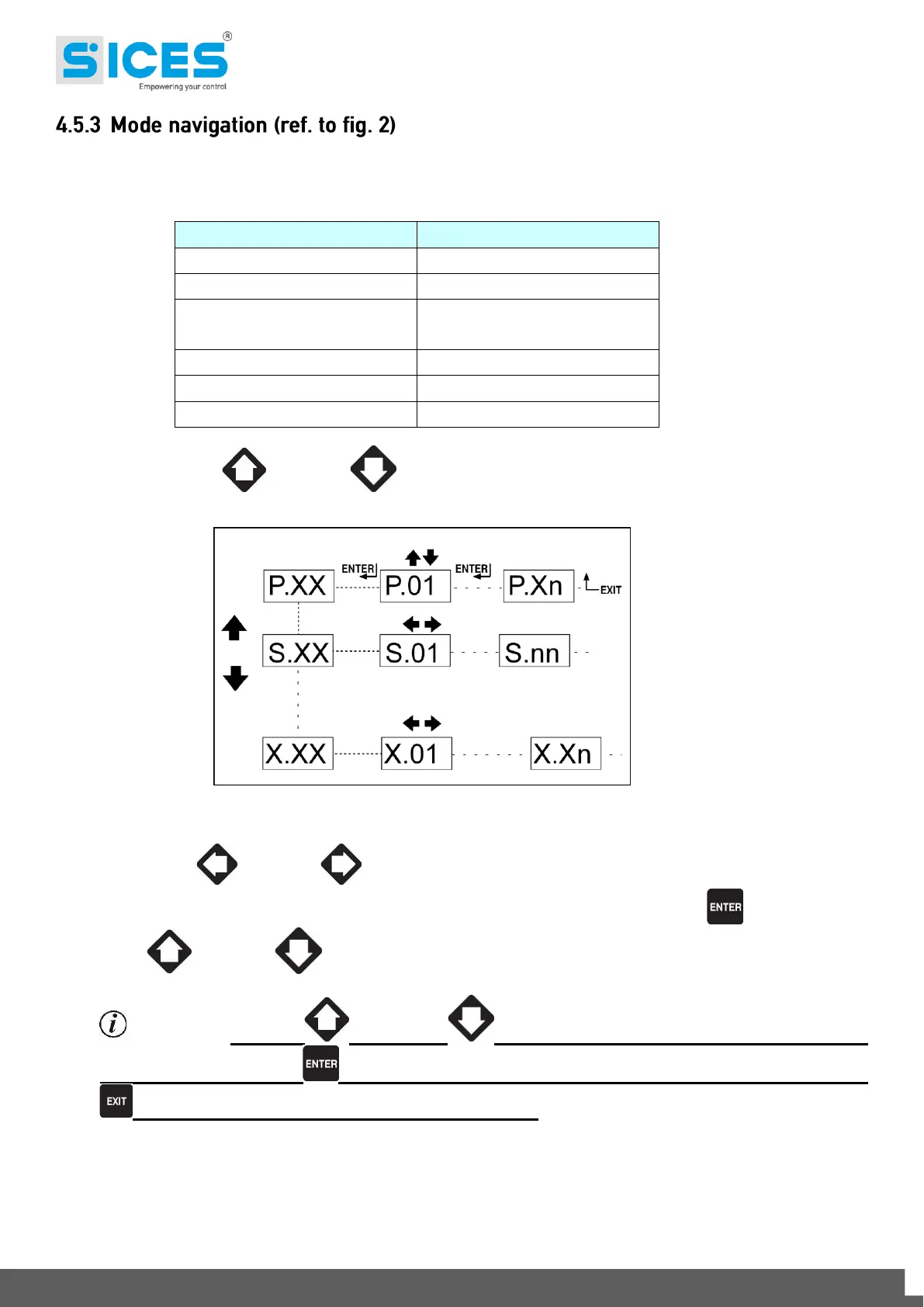
The display has different display modes with various pages.
Generally, the UP and DOWN buttons are used to navigate between the modes.
Use the LEFT and RIGHT buttons to display the pages in the mode.
In some modes (ex.: mode P.xx and mode H.xx) to display the pages, press the ENTER , button, and then
the UP and DOWN buttons to browse the pages.
Information! If the UP and DOWN buttons have to be used to manage functions
in that mode, the ENTER button must be pressed to activate these functions, and the EXIT
button should be pressed to deactivate the same.



 To Next Page