DST4602 User’s Manual 13
Information!: If the password is lost, you can reconfigure it using a higher
level password. Contact our service centre if the “MANUFACTURER”
password is lost.
Access to the programming mode can be controlled by 4 different PASSWORD levels, which are listed in order
of priority.
1. SICES password
2. Manufacturer password
3. Installer password
4. User password
In the first page (000-Access Code) of the SYSTEM menu, will ask you for the access code if one or more
passwords have been assigned.
If a password is set to 0, it is not assigned and not required.
The USER can only display and change the User Password.
The INSTALLER can change the User Password and the Installer Password.
The MANUFACTURER can display and change all three passwords.
SICES can display and change some critical parameters for configuring
the plant parallel function.
The Password setting pages are displayed in the SYSTEM submenu, if the user is authorised to change the
settings.
In programming mode, if the page for changing the password isn't displayed when the Password is entered,
press EXIT to return to the previous menu and try opening the page again.
The set access code remains in the memory for about 10 minutes after programming has been completed.
After that it must be entered again to access the programming mode.
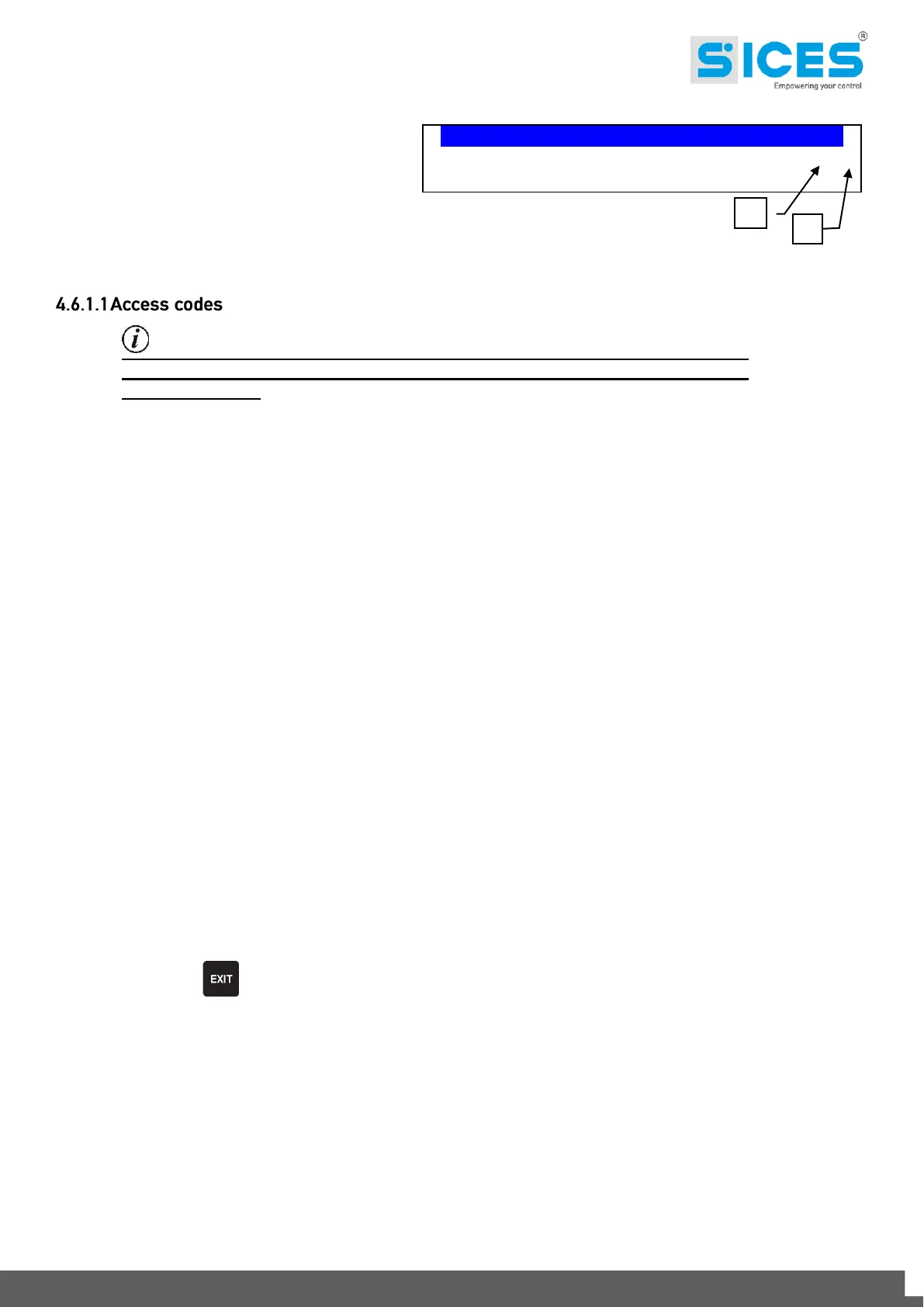
1a – Menu Item/Page
1b – Total Pages Menu/submenu
P.07 PROGRAMMING 18/07/11 18:23
2/07
1.3 Generator
Fig. 6 - Bottom status bar



 To Next Page