DST4602 User’s Manual 21
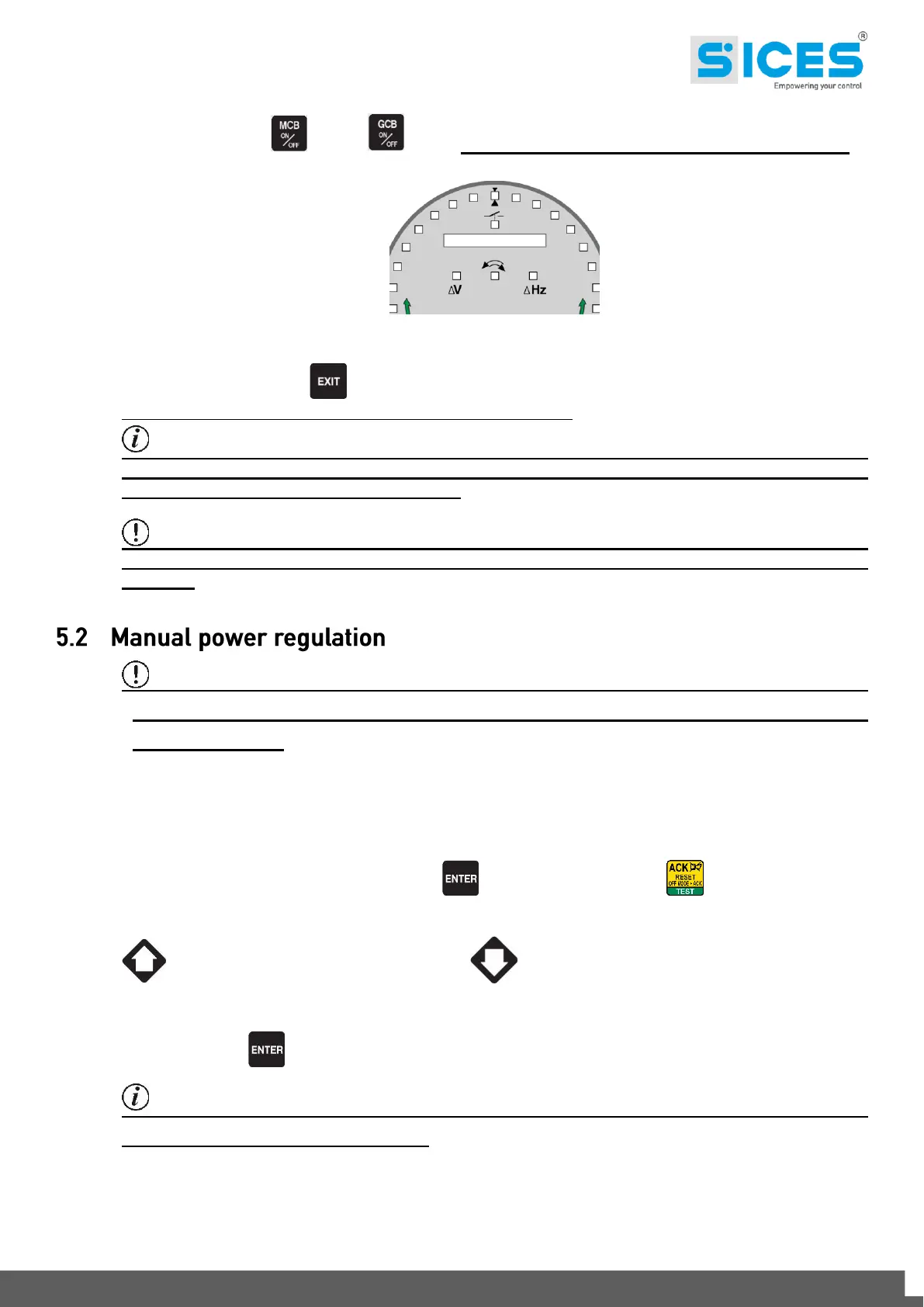
value (%). When the synchroscope indicates the circuit breaker can be closed, (see fig. 7), press the circuit
breaker button (MCB or GCB ) again and hold it down until the circuit breaker has closed.
Figure 7 - Synchroscope
At any time, pressing EXIT disables the manual speed commands and you can change page.
Changing the page aborts the manual synchronization procedure.
Information!: The function described can only be used if the system hasn't been
configured to use an external potentiometer to regulate the speed; in this case the speed can
only be changed using the potentiometer.
WARNING! Make sure that after the circuit breaker closes, the speed reference is set as
close as possible to the nominal value so the Gen-set control module can regulate the power
properly.
WARNING! As some slow power ramps may have been set, check the command against
the “Power reference” value shown in the same page and not against the value of the power
actually produced.
In network parallel applications with BASE LOAD or IMPORT/EXPORT functions, you can regulate the power
supplied manually without having to change the parameter that defines the regulated power directly.
Go to page M.01 (SYSTEM) press the ENTER button and the ACK/TEST button to select "power
reference" Base Load/Imp./Exp. and/or "power factor reference" P.F. in the “Setpoint” window; use the UP
button to increase the value and the DOWN button to decrease the kW and P.F. value set. The
value to be changed is highlighted as a negative.
Press the ENTER button to exit the settings procedure.
Information!:: The function described is only available if no external potentiometer has
been configured for power regulation.



 To Next Page