13
Use and maintenance Manual AUTOMATIC GENSET CONTROL PANEL with GC310/GC350
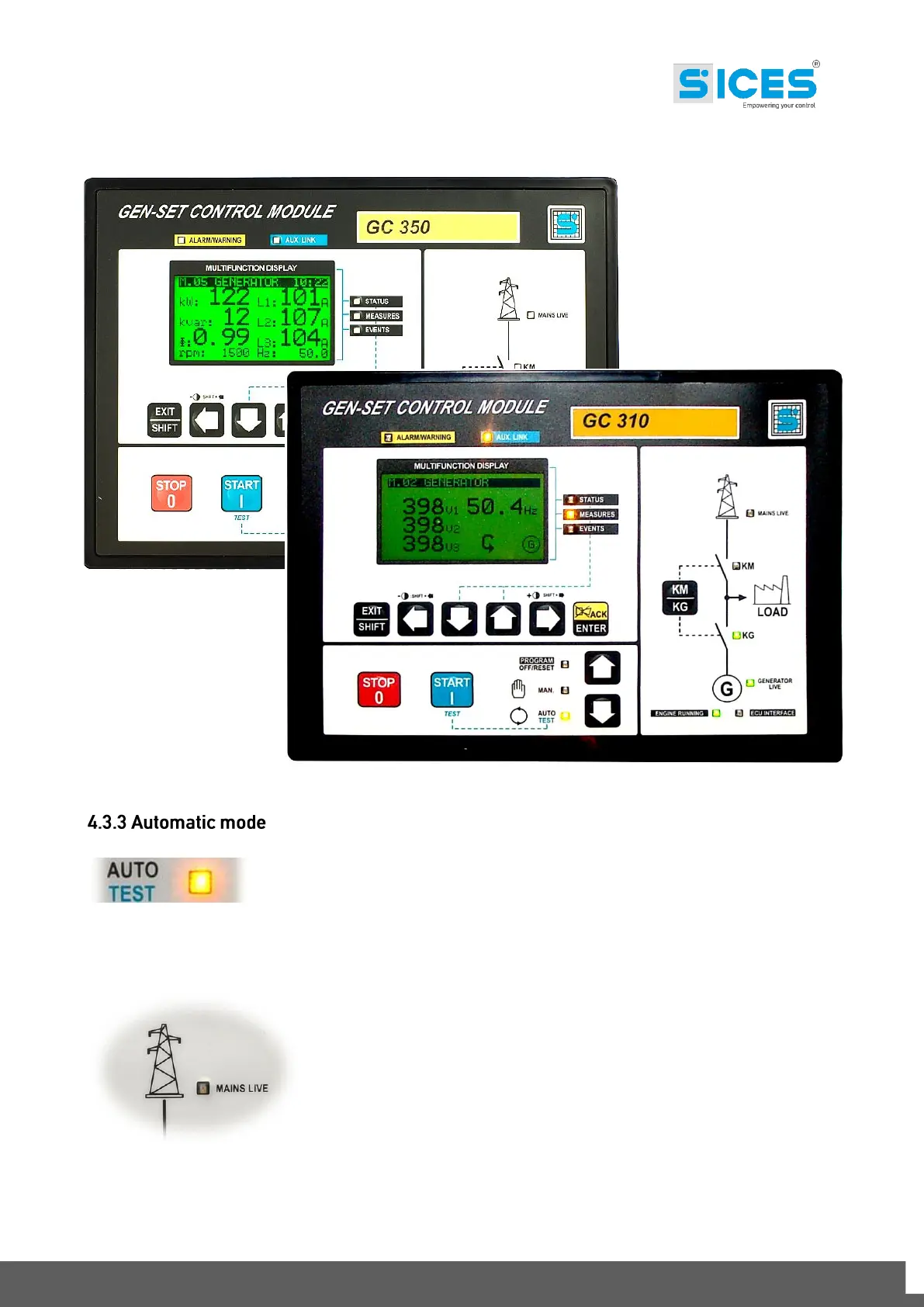
All genset control logics are carried out by the GC310/GC350 controller with microprocessor:
Set the GC310/GC350 controller in AUTO mode, using the selection arrows.
The operation cycle is composed as follows:
In case of mains failure or trespassing of the thresholds values set
(calibrations and configurations set in the GC310/GC350 controller)
and with GC310/GC350 in AUTO mode, the genset start-up sequence
begins.



 To Next Page