15
Use and maintenance Manual AUTOMATIC GENSET CONTROL PANEL with GC310/GC350
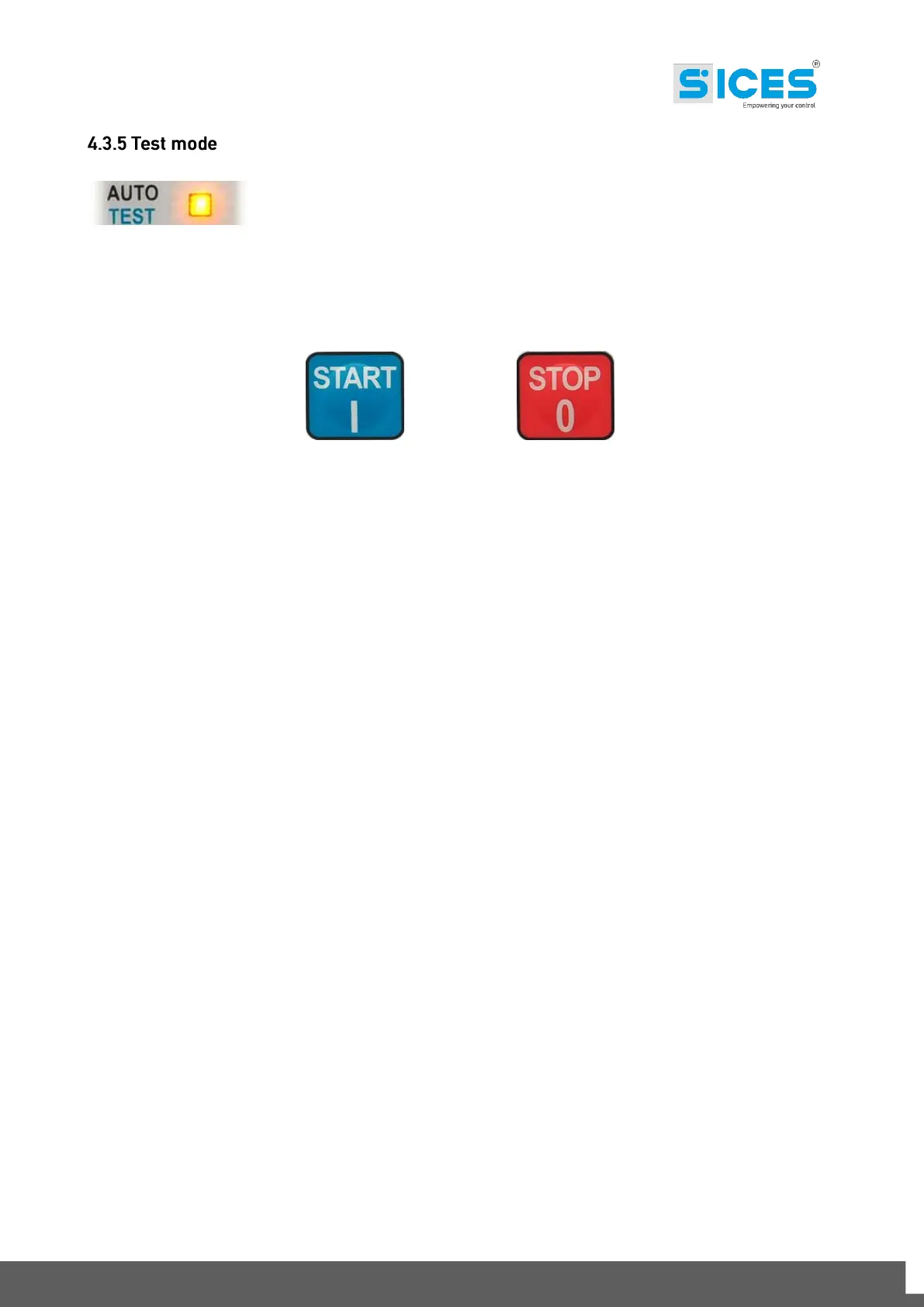
Set the GC310/GC350 controller in TEST mode, using the selection arrows.
It allows the automatic start of the genset for the periodic test, enabling the protections. The switch
Mains/Genset is excluded. Any possible mains failure, with lighting of the LED connected to it,
causes the immediate genset supply.
+
This function is enabled by selecting the AUTO/TEST button and by pressing the START and STOP
buttons together.



 To Next Page