GC310, GC350, GC500, GC500Plus and GC500Mains User’s Manual 13
3.3.3
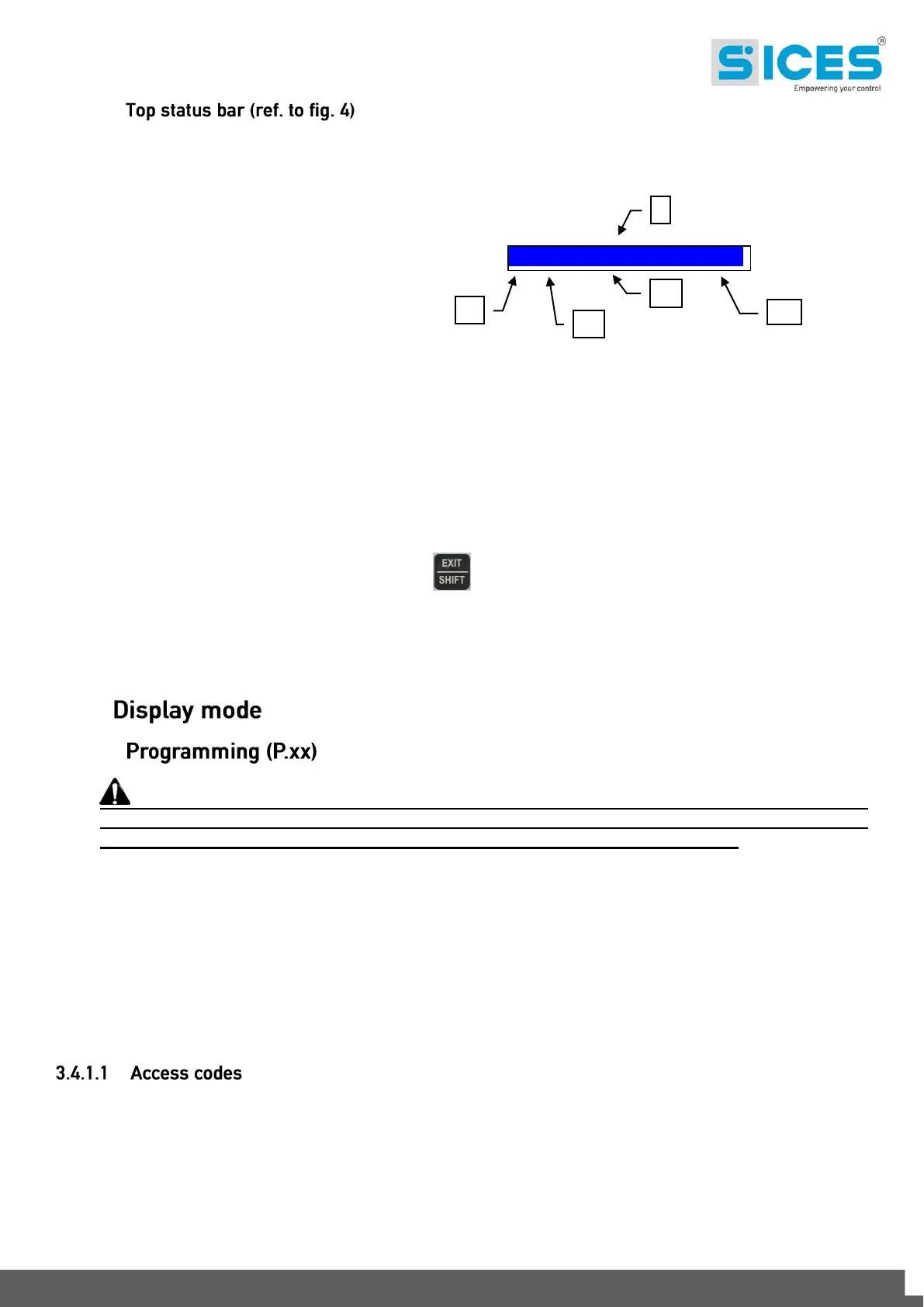
Top status bar shows navigation, time and/or some status information.
The current mode is shown in the relevant field of the top status bar (1a).
The mode identifier (1a), and the page identifier (1b) identify and refer to the page so there is no chance of error.
System status (2) shows part of page S.01 information (status information), helpful for the operator as it can be
viewed even when accessing other pages or display mode.
When in some pages, pressing the EXIT/SHIFT button replaces the top status bar - as long as the button
is held - with a System Status message. If the message is unavailable, the bar is cleared and restored when the
button is released.
3.4
3.4.1
WARNING: assigning incorrect values to one or more parameters can cause malfunctions,
damage to things and/or injury to people. The parameters must only be changed by qualified
personnel. Parameters can be protected by password (see par. Access codes).
This mode lets you display and change the programming parameters.
Each programming parameter has a 3-digit numeric code (ex. P.101) to identify the variables regardless of the
language used. The first line under the top status bar identifies the current menu with the menu number and the
relevant text. A pair of numbers are displayed on the right in this line.
The first indicates which entry in the menu is selected or which page is displayed, the seconds indicates how
many entries or pages can be displayed in the current menu/submenu.
Access to the programming mode can be controlled by 4 different PASSWORD levels, which are listed in order
of priority.
KEY:
1a – Mode identifier
1b – Page identifier
1c – Page title
1d – Time
2 – System status



 To Next Page