20 GC310, GC350, GC500, GC500Plus and GC500Mains User’s Manual
5.
Gen-set implements the full management of the fuel pump, to pump fuel from the storage tank to the tank on
the generator. The pump can be automatically or manually managed using the controls on the front panel.
5.1
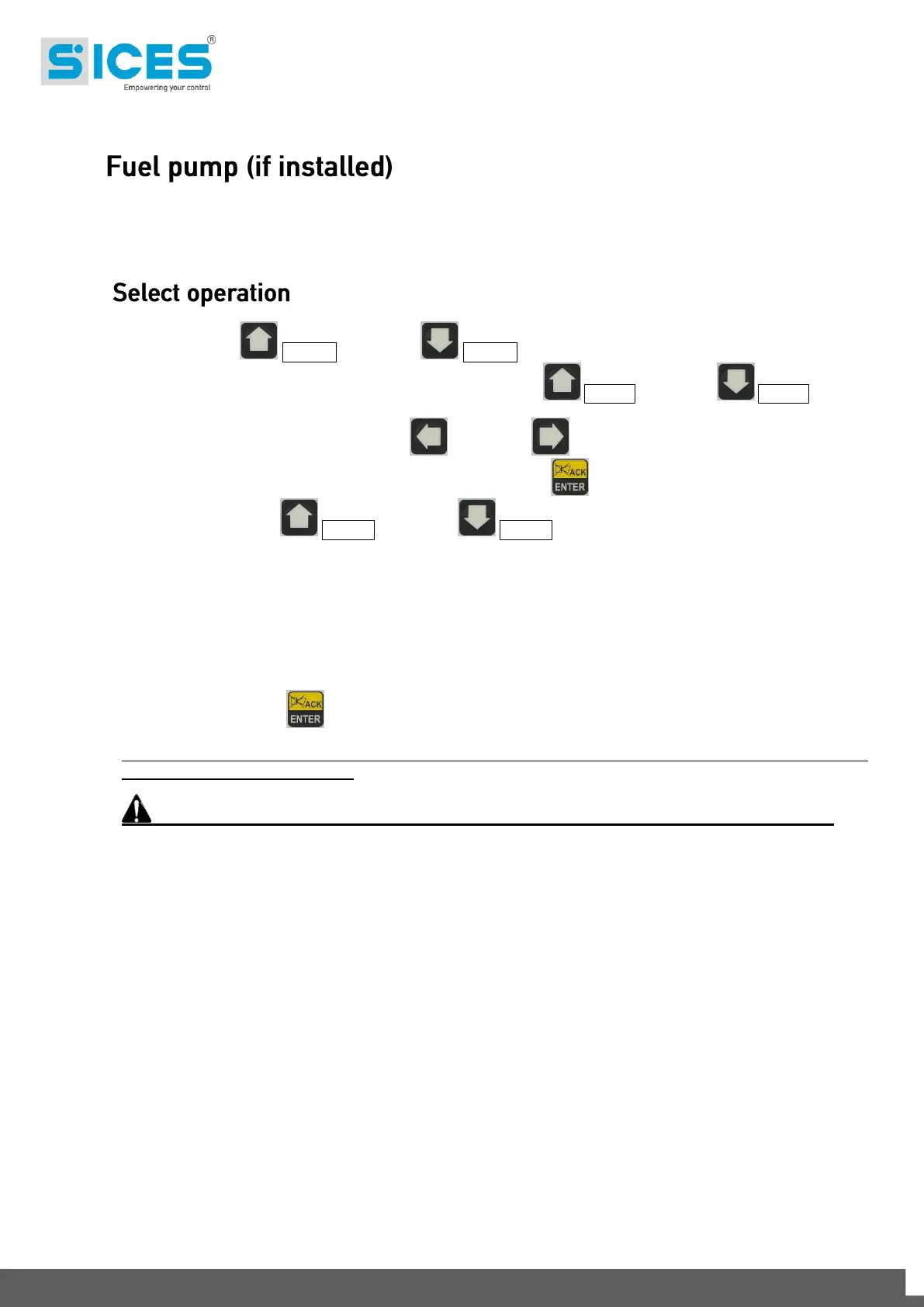
Pressing the UP Ref. 1b and DOWN Ref. 1b buttons to select the MAN, AUTO or TEST mode;
select "STATUS INFORMATION S.xx” mode pressing the UP Ref. 1a and DOWN Ref. 1a buttons.
Scroll through the pages using the LEFT and RIGHT buttons to page S.07. It is now possible to
use the standard set-up procedure pressing the ACK/ENTER button to start (square brackets blinking
[xxxxxxx]), and the UP Ref. 1a and DOWN Ref. 1a buttons to modify the command mode:
2-AUTOMATIC (the pump automatically starts when the low fuel level sensor sends a
signal and stops pumping when the max fuel level is reached)
1-MANUAL-ON (pump ON - the pump starts and will only stop when the max. fuel level
is reached).
0-MANUAL-OFF (pump OFF)
Press the ACK/ENTER button to confirm the selection.
Note: The second option (MANUAL-ON) can be inhibited by Gen-set, in relation to the fuel level (the pump
will not start when the tank is full).
Warning: With fuel pump alert ON, the control mode automatically sets to “0-MANUAL-OFF”



 To Next Page